
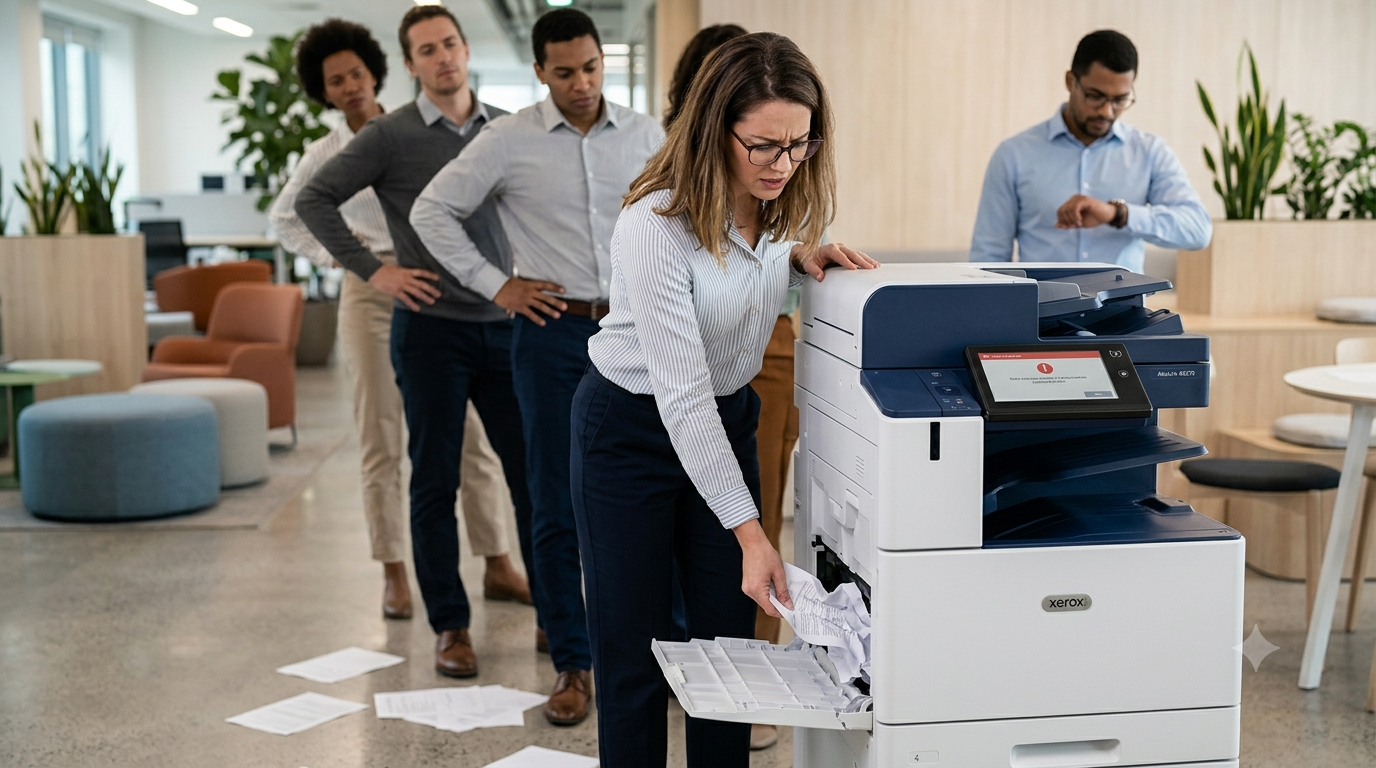
If your office printer keeps jamming, you’re not alone.
Picture this: you’re rushing to print invoices, contracts, shipping labels, or presentation materials before a meeting. Everything is moving along smoothly until the printer suddenly stops and flashes a paper jam error.
You clear the jam, reload the paper, and try again.
A few minutes later, it happens again.
While an occasional paper jam is normal, recurring jams are often a sign that something bigger is going on inside your printer or copier. Ignoring the issue can lead to more downtime, frustrated employees, and potentially expensive repairs down the road.
The good news? Understanding why your printer keeps jamming can help you address the problem before it affects productivity throughout your office.
Not All Paper Jams Are Created Equal
One of the biggest misconceptions about printer paper jams is that the jam itself is the problem.
In reality, a paper jam is often just a symptom of another issue.
Several factors can contribute to recurring jams, including:
- Worn feed rollers
- Poor paper quality
- Dust and debris buildup
- Misaligned paper trays
- Damaged internal components
- Aging equipment
Identifying the root cause is the key to preventing the same issue from happening over and over again.
Common Reasons Your Office Printer Keeps Jamming
Worn Feed Rollers
Feed rollers are responsible for pulling paper through the printer during the printing process.
Like any moving part, rollers wear down over time. As the rubber surface becomes smooth, the rollers lose their grip and can no longer feed paper consistently.
Common signs of worn rollers include:
- Multiple sheets feeding at once
- Paper stopping midway through the machine
- Frequent jams from the same paper tray
- Skewed or crooked paper feeding
This is one of the most common issues technicians encounter during office printer repair visits.
Paper Quality Issues
Not all paper is created equal.
Low-quality or improperly stored paper can create feeding problems that lead to recurring jams.
Common paper-related issues include:
- Cheap paper with inconsistent thickness
- Damp paper exposed to humidity
- Curled paper
- Torn or damaged sheets
- Using paper weights not recommended by the manufacturer
Even a printer in perfect condition can struggle when fed poor-quality paper.
For businesses that print frequently, investing in quality paper often reduces downtime and improves overall print performance.
Overloaded or Misaligned Paper Trays
Sometimes the problem isn’t inside the machine at all.
Paper trays that are overloaded or improperly adjusted can create ongoing feeding issues.
Common mistakes include:
- Overfilling the paper tray
- Leaving paper guides too loose
- Mixing different paper sizes
- Combining different paper weights in the same tray
When paper isn’t aligned properly, the printer may struggle to feed sheets evenly, increasing the likelihood of jams.
Dust and Debris Inside the Machine
Every printer accumulates dust over time.
Paper dust, toner particles, and other debris can build up inside the machine and interfere with normal operation.
This buildup may:
- Block paper sensors
- Affect roller performance
- Interrupt paper movement
- Trigger false error messages
Routine printer maintenance helps remove accumulated debris before it causes larger problems.
Damaged Internal Components
If your printer experiences recurring jams in the exact same location, a hardware issue may be developing.
Components that commonly contribute to paper jams include:
- Separation pads
- Registration rollers
- Fuser assemblies
- Paper path sensors
When these parts begin to wear out, simply clearing the jam won’t solve the underlying problem.
A professional technician can identify which component is failing and recommend the appropriate repair.
What Frequent Paper Jams Could Be Telling You
Your Printer Needs Maintenance
Printers and copiers require regular maintenance just like vehicles.
Over time, rollers wear down, sensors become dirty, and components lose efficiency.
Preventive maintenance helps identify minor issues before they turn into major repairs.
Regular service can:
- Reduce unexpected downtime
- Improve print quality
- Extend equipment lifespan
- Lower long-term repair costs
Your Printer Is Being Overworked
Many businesses start with a printer that fits their needs at the time.
As the company grows, however, print volume often increases dramatically.
A desktop printer designed for a few thousand pages per month may struggle when asked to handle significantly higher workloads.
Signs your printer may be overworked include:
- Frequent paper jams
- Slow performance
- Increased service calls
- More frequent consumable replacements
If your printing demands have grown, it may be time to evaluate whether your current equipment is still the right fit.
Your Equipment May Be Nearing Replacement Age
Older printers naturally experience more wear and tear.
As equipment ages, businesses often encounter:
- More frequent breakdowns
- Reduced reliability
- Slower print speeds
- Higher repair costs
- Difficulty sourcing replacement parts
If paper jams are becoming a regular occurrence despite repairs, it may be worth discussing replacement options with a trusted service provider.
How Frequent Jams Affect Productivity
A paper jam may seem like a minor inconvenience.
However, repeated interruptions can have a significant impact on workplace productivity.
Frequent jams often result in:
- Employee frustration
- Lost work time
- Delayed customer service
- Missed deadlines
- Increased IT support requests
Consider a busy office where employees print invoices, contracts, reports, and customer documents throughout the day.
If team members spend several minutes clearing jams multiple times per day, those interruptions quickly add up to hours of lost productivity each month.
The longer the issue continues, the greater the impact on your business operations.
How to Reduce Printer Jams
Fortunately, many paper jams can be prevented with a few simple best practices.
To reduce printer downtime:
- Use high-quality paper
- Store paper in a dry environment
- Keep paper trays properly adjusted
- Follow manufacturer recommendations
- Schedule routine maintenance
- Replace worn consumables promptly
- Monitor monthly print volumes
- Avoid overloading trays
A proactive approach can significantly improve reliability and reduce unexpected service calls.
When It’s Time to Call a Professional
Some paper jams can be resolved quickly.
Others indicate a larger issue that requires professional attention.
Consider scheduling service if:
- Jams occur daily
- The same jam location repeats frequently
- Error codes accompany the jam
- Components appear visibly worn
- Productivity is being affected
A qualified technician can diagnose the root cause rather than simply clearing the paper and restarting the machine.
Professional printer troubleshooting often identifies issues before they lead to costly breakdowns or extended downtime.
At Tangerine Office Machines, we help Las Vegas businesses keep printers and copiers running efficiently through expert repair services, preventive maintenance, and managed print solutions designed to minimize disruptions.
Don’t Ignore Recurring Paper Jams
Paper jams are often more than just a temporary annoyance.
They can be early warning signs of worn parts, maintenance needs, excessive workloads, or aging equipment.
Addressing recurring jams early can help prevent larger repairs, reduce downtime, and keep your team productive.
If your office printer keeps jamming and disrupting your workflow, Tangerine Office Machines can help. Contact our Las Vegas team today for expert printer repair, maintenance, and troubleshooting services.
Schedule a Printer Repair Service
Need immediate assistance? Schedule professional printer repair and get your equipment back up and running quickly.
Request a Copier Maintenance Quote
Interested in preventing future issues? Ask about our copier maintenance and managed print service programs designed to keep your office productive.