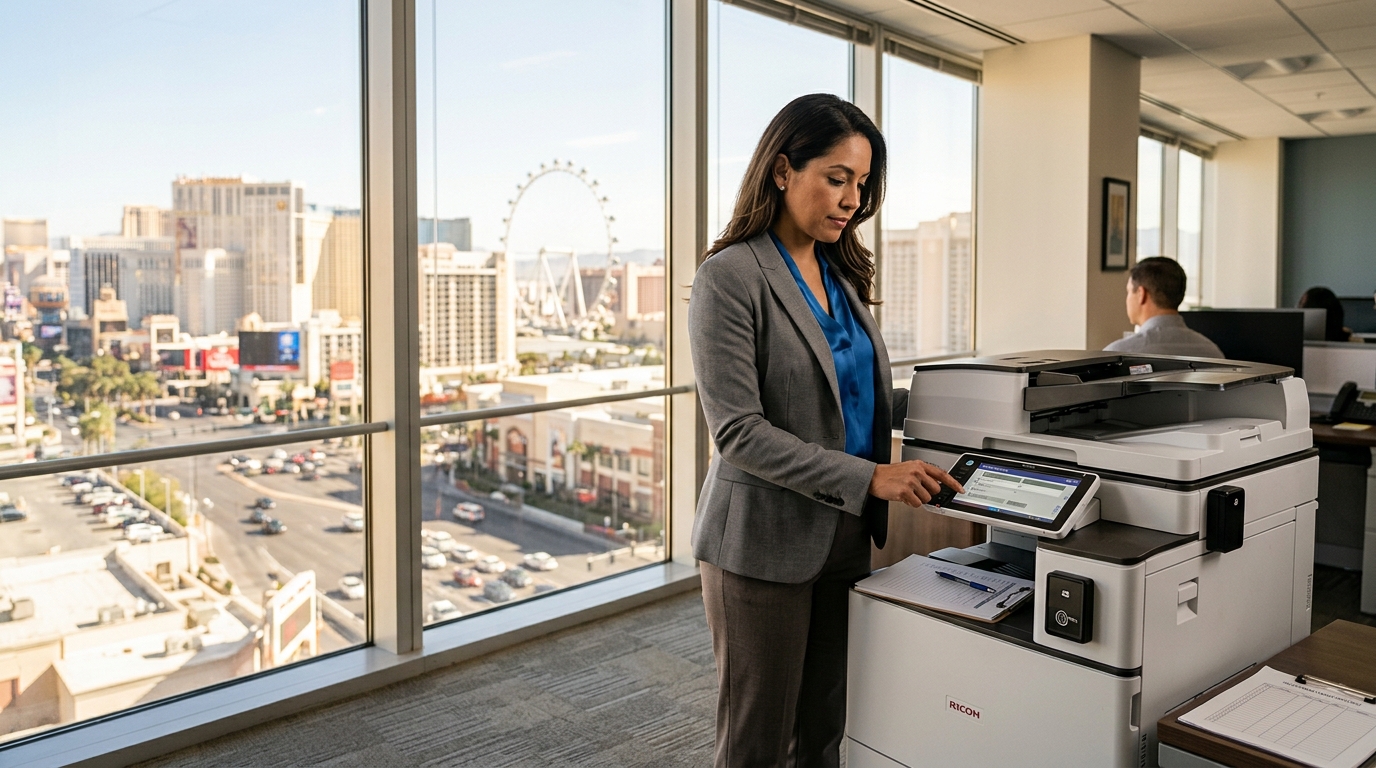
When Las Vegas businesses think about cybersecurity, computers, phones, servers, and cloud accounts usually receive most of the attention. But the office copier also connects to the business network and may process confidential documents. Whether your company uses xerox copiers, Kyocera, Sharp, or another multifunction printer, copier security deserves a place in your technology checklist.
Why Does Copier Security Matter?
Modern multifunction printers can do much more than make copies.
They may connect to:
- Business networks
- Email systems
- Cloud storage
- Employee computers
- Mobile devices
- Document management platforms
They can also process sensitive information.
Sharp notes that multifunction printers can face physical and network security threats and highlights safeguards for device access, stored data, and network communications.
1. Protect Physical Access
Start with the simplest question:
Who can use the copier?
If anyone can walk up and print or scan confidential documents, your office may have a physical security problem.
Consider whether your copier supports user authentication or secure release printing.
2. Use Secure Print
Secure print can help prevent sensitive documents from sitting unattended in the output tray.
Instead of immediately printing a document, a user can send the job to the device and authenticate before the machine releases it.
Xerox print-management solutions, for example, include authentication and access-control features designed to control who can access devices and print jobs.
3. Review Network Configuration
Your IT team should make sure the copier is properly configured on the business network.
This can include reviewing:
- Network access
- Administrative passwords
- Firewall settings
- Firmware
- User permissions
- Remote management
- Unnecessary services
A copier should be treated as a connected network device rather than simply an office appliance.
4. Keep Firmware Updated
Firmware updates can provide security improvements and bug fixes.
Businesses should establish a process for determining when copier firmware needs to be updated and who is responsible for applying updates.
5. Think About Data Stored on the Device
Some multifunction printers can store information temporarily or permanently depending on their configuration.
Before selling, returning, recycling, or replacing a device, ask the service provider what happens to data stored on the machine.
Your IT or security team should establish an appropriate data-removal process.
6. Consider Cloud Security
Cloud-connected scanning can make document workflows easier, but businesses should understand where documents are going and who has access.
Kyocera provides cloud-based print and scan capabilities, while Xerox offers cloud workflow solutions that can route documents to cloud repositories.
The convenience of cloud workflows should be balanced with appropriate permissions and organizational security policies.
7. Don’t Forget Employees
Technology alone cannot eliminate every security risk.
Employees should know what to do with confidential documents and understand why they shouldn’t leave sensitive paperwork sitting in the output tray.
Simple policies can make a meaningful difference.
For example:
Print confidential documents only when necessary.
Collect sensitive documents immediately.
Use secure release when available.
Don’t share copier login credentials.
Report unusual device behavior to IT.
A Copier Security Review for Las Vegas Businesses
Use this checklist when reviewing your office copier:
- Is the copier password protected?
- Are administrative credentials secure?
- Is firmware current?
- Is user authentication available?
- Can employees use secure print?
- Is network access properly configured?
- Is sensitive data protected?
- Are unused services disabled?
- Is cloud access controlled?
- Is there a documented process for retiring old equipment?
Security Should Be Part of the Buying Decision
When comparing xerox copiers, Kyocera, Sharp, or other multifunction printers, security should be considered alongside speed, print quality, cost, and features.
A copier is now part of the connected office.
For Las Vegas businesses handling financial records, customer information, contracts, medical information, employee records, or other sensitive documents, choosing and configuring the equipment with security in mind can help create a more controlled document environment.
The goal isn’t to make printing complicated.
It is to make everyday document workflows more secure without creating unnecessary friction for employees.