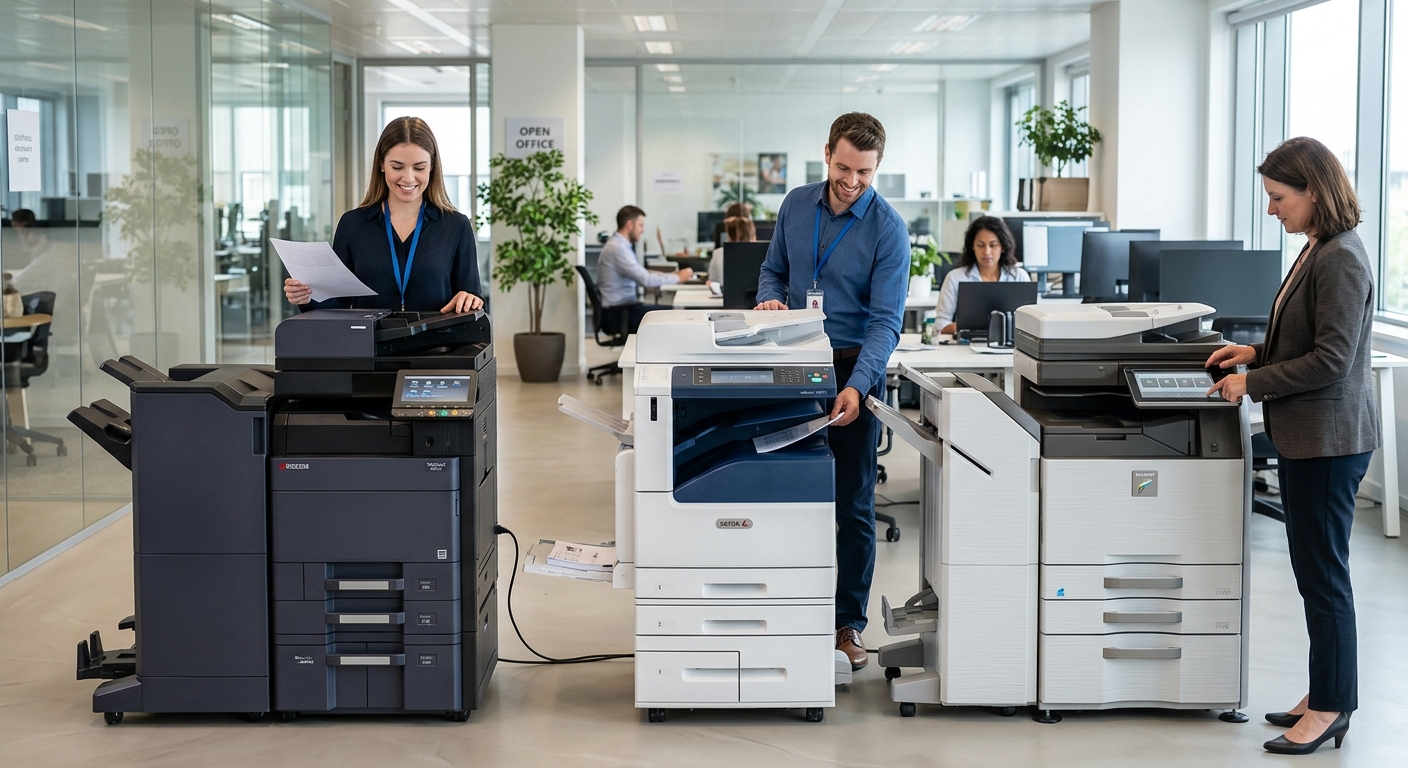
Choosing between Kyocera, Xerox, and Sharp copiers can be challenging for a Las Vegas business because all three manufacturers offer multifunction equipment designed for modern offices. Rather than choosing based solely on brand recognition, businesses should compare the features, workflows, security requirements, service, and costs that matter most to their particular office.
Start With the Workload
Before comparing brands, determine what your copier actually needs to do.
A small office may need straightforward black-and-white printing and scanning.
A larger Las Vegas company may need high-volume color printing, multiple paper trays, finishing, mobile printing, cloud scanning, user authentication, and document management.
Your workload should determine the equipment category before the brand becomes the focus.
Kyocera Copiers
Kyocera offers multifunction devices and cloud-based workflow solutions designed to connect printing and scanning with business processes.
Its cloud print and scan platform supports centralized print management, cloud storage integration, secure print release, and usage reporting.
This can be useful for businesses interested in combining physical printing with digital document workflows.
Xerox Copiers
Xerox has a broad ecosystem surrounding its multifunction printers.
Its software and workflow solutions include tools for print management, authentication, mobile productivity, security, and cloud workflows.
Businesses that place a strong emphasis on document workflow and print-management capabilities may want to examine the Xerox ecosystem alongside the hardware itself.
Sharp Copiers
Sharp’s multifunction printers emphasize document workflow and security.
Sharp identifies features including user authentication, encryption, network security, firmware protection, and other safeguards across its business MFP offerings.
For businesses handling sensitive information, security capabilities should be part of the evaluation process.
Don’t Compare Only the Hardware
A copier is only one part of the overall solution.
When comparing equipment, ask what happens after installation.
Who provides service?
Where is the service team located?
What is included in the maintenance agreement?
How are toner and replacement parts handled?
How quickly can a technician respond?
What happens if the machine experiences repeated problems?
These questions can be just as important as the specifications printed on the product sheet.
Compare the Cost of the Entire Agreement
A copier’s price isn’t necessarily its total cost.
Businesses should consider:
- Equipment payment
- Service agreement
- Included print volume
- Per-page charges
- Color charges
- Overage fees
- Toner
- Parts
- Labor
- Installation
- Networking
- Optional software
- End-of-term costs
A slightly higher equipment payment could potentially make sense if it includes services that would otherwise be billed separately.
The reverse can also be true.
Think About Security
Security should be evaluated regardless of brand.
Modern multifunction printers connect to business networks and may store or process sensitive documents.
Sharp, for example, highlights encryption, access controls, network security, and other safeguards for its MFPs.
Xerox and Kyocera also provide security and print-management technologies designed to protect documents and manage access.
The specific security configuration should be discussed with your IT team and equipment provider.
Consider Your Las Vegas Office Environment
Local conditions matter too.
A business in Henderson may have different service requirements from a company in North Las Vegas.
A busy office near the Strip may have very different printing demands from a small professional office in Summerlin.
The best equipment comparison therefore considers both the machine and the local support structure.
Don’t Choose a Brand Before Defining Your Requirements
Kyocera, Xerox, and Sharp all offer equipment designed for different business environments.
Instead of asking which brand is universally better, create a list of your requirements first.
Then compare specific models and service agreements against those requirements.
That approach makes it easier for a Las Vegas business to select equipment based on actual needs rather than marketing claims.