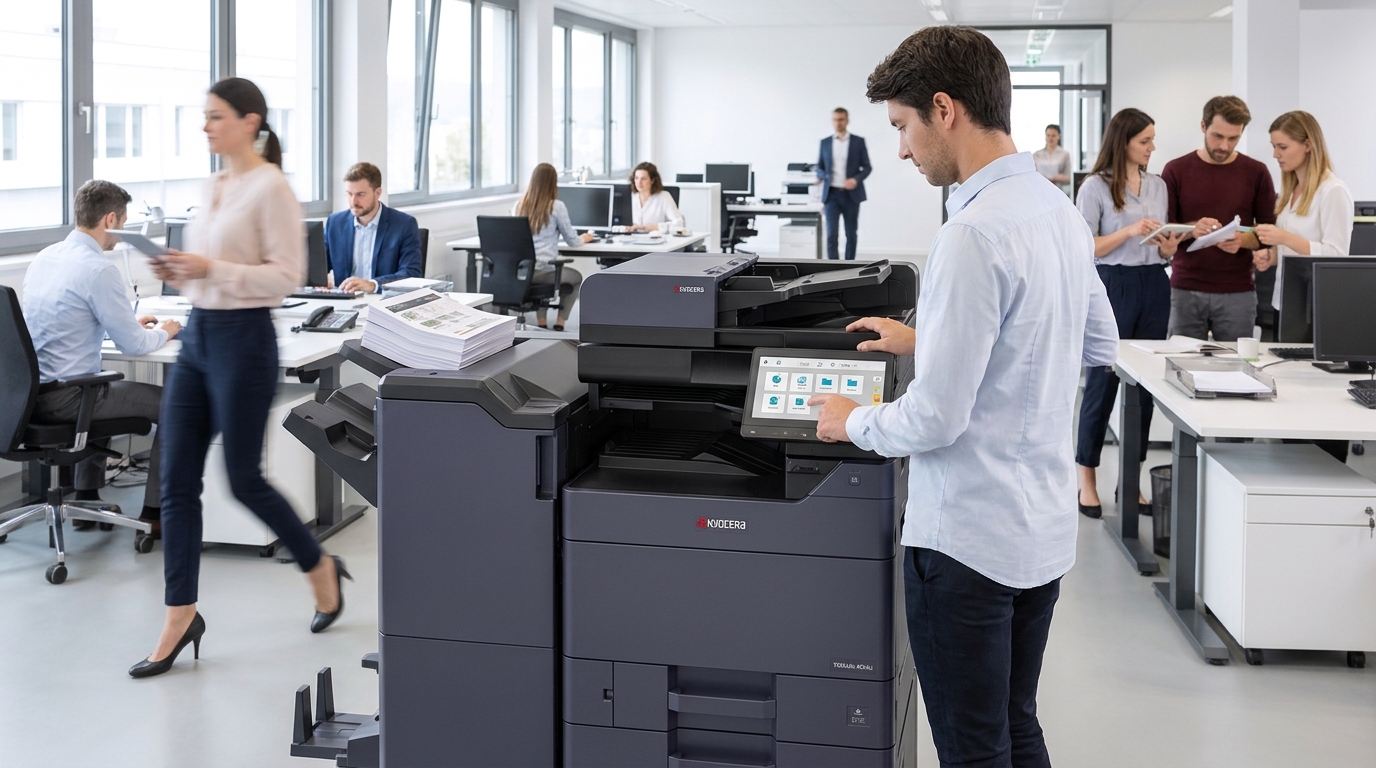
A busy office can lose valuable time to small, repetitive tasks. Employees may print documents individually, scan paperwork one page at a time, walk between departments to use shared equipment, or manually organize files after copying.
These activities may seem minor, but they can add up across a workweek.
A modern multifunction copier can help simplify many routine document processes. For businesses considering a copier lease, it is worth looking beyond the machine’s printing speed and exploring how its features can support everyday workflow.
Think About Tasks, Not Just Print Volume
Many businesses begin their copier search by estimating how many pages they print each month. That information is useful, but it does not tell the whole story.
Consider what employees do with those pages.
Do they regularly scan signed documents? Do they copy multi-page packets? Do they print forms for customers? Are employees combining information from paper documents and digital files?
A copier that supports the office’s actual tasks may be more valuable than one selected only for its advertised speed.
Before comparing equipment, ask employees which document-related activities take the most time. Their answers can help identify useful features.
Use Scanning to Reduce Manual Work
Scanning is an important part of modern office document management.
Depending on the model and configuration, a multifunction copier may support features such as:
- Scanning multiple pages through an automatic document feeder
- Sending documents to email
- Saving files to approved network folders
- Creating searchable PDF files
- Scanning both sides of a document
- Using predefined scan destinations
For example, an administrative team that regularly processes signed forms may benefit from saved scanning shortcuts. Instead of repeatedly entering the same destination details, employees can use an approved workflow configured for their department.
The exact capabilities vary by model and software setup, so businesses should confirm which functions are available.
Make Shared Printing Easier
Shared office equipment can help reduce unnecessary device duplication, provided the copier has enough capacity for the people using it.
A properly selected multifunction device can serve several employees or departments. Network printing allows authorized users to send jobs from their workstations, while secure release features can help employees collect documents when ready.
When choosing a copier, consider the number of users, typical job sizes, peak usage periods, and distance between employees and the device.
A machine that is technically capable of handling a large workload may still create delays if it is poorly located or configured.
Consider Finishing Features
Some offices spend considerable time preparing documents after printing.
Depending on the copier model, finishing options may include stapling, sorting, hole punching, or booklet creation.
These features can be useful for businesses that regularly prepare:
- Training materials
- Customer proposals
- Employee handbooks
- Meeting packets
- Presentations
- Multi-page reports
Not every office needs advanced finishing. The important thing is to identify repetitive tasks that could be handled more efficiently by the equipment.
Why Leasing May Fit an Ongoing Workflow
A copier lease can be an option for businesses that depend on office printing and scanning throughout the year.
Instead of purchasing equipment outright, a business may use a structured agreement with monthly payments. Depending on the provider and contract, service and maintenance may also be available through a separate or bundled arrangement.
When comparing a copier lease, review the equipment specifications and the full agreement. Ask about service coverage, usage allowances, supply arrangements, upgrade provisions, and end-of-term responsibilities.
A low monthly payment does not automatically mean the equipment is the best fit. The machine should be able to support the tasks employees perform every day.
Measure Whether the New Setup Helps
After installing new equipment, take time to evaluate the results.
Look at questions such as:
- Are employees completing scanning tasks more quickly?
- Are print jobs waiting less often?
- Are fewer documents being reprinted?
- Are departments using shared equipment effectively?
- Are employees taking advantage of available features?
- Have recurring workflow problems been reduced?
Feedback from employees can reveal issues that usage reports alone may not show.
If the equipment is not being used as expected, additional training or configuration changes may help.
Choose Equipment Around the Way Your Office Works
The best copier is not necessarily the fastest or the one with the most features. It is the one that supports your employees’ actual responsibilities.
For businesses exploring a copier lease, workflow should be part of the selection process from the beginning. Consider printing, scanning, document preparation, user access, and service requirements together.
Tangerine Office Machines helps Las Vegas businesses evaluate copier and multifunction printer options for their office environments. Contact the team to discuss your workflow and explore equipment that can support your daily operations.