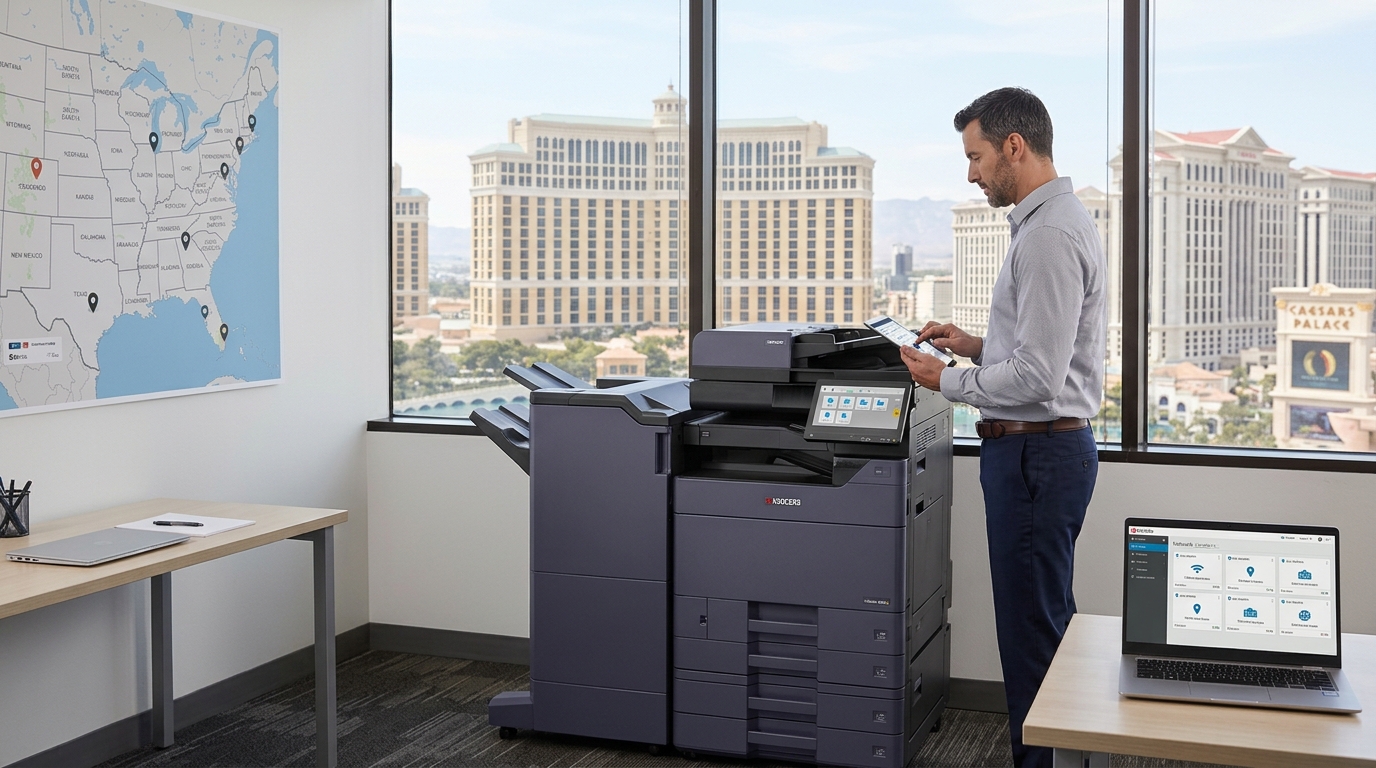
As a business grows, its printing needs often become more complicated. A company that once operated from a single office may eventually have multiple departments, branches, or work locations throughout the Las Vegas area.
Each location may need a copier, printer, or multifunction device. Without a consistent equipment plan, businesses can end up managing different machines, separate service arrangements, and unpredictable supply requirements.
A copier rental in Las Vegas may be worth considering when a business needs equipment for a new location, temporary workspace, or changing operational requirements. For companies with ongoing printing needs, a coordinated equipment strategy can also help simplify daily operations.
Why Multiple Offices Need a Printing Plan
When every location chooses equipment independently, the business may end up with a collection of devices that work differently.
One office might have a high-speed color copier, while another relies on a basic desktop printer. Employees transferring between locations may need to learn different systems. IT teams may also have to manage different drivers, network configurations, and device settings.
A more coordinated approach can make equipment management easier.
Start by identifying what each location actually needs. A busy administrative office may require high-volume printing and finishing capabilities. A smaller branch may only need reliable black-and-white printing, copying, and scanning.
The goal is not necessarily to put the same copier in every office. It is to choose equipment that makes sense for each location while keeping management as consistent as possible.
Evaluate Each Location’s Printing Requirements
Before requesting equipment, collect basic information from each office.
Consider:
- Average monthly print volume
- Number of employees using the device
- Color and black-and-white requirements
- Typical document sizes
- Scanning and document-sharing needs
- Available network infrastructure
- Expected office occupancy and growth
These details help prevent two common problems: choosing equipment that is too small for the workload or paying for features that employees rarely use.
A growing company should also consider whether additional devices may be needed in the coming months.
When Copier Rental Makes Sense
A copier rental in Las Vegas can be useful when a business is establishing a temporary office, expanding into a new location, or handling a project with a defined timeline.
For example, a construction company may need printing and scanning equipment at a temporary project office. A business opening a new branch may want equipment available while evaluating its long-term requirements.
Rental can provide access to equipment without immediately making a permanent purchasing decision.
However, businesses should review the agreement carefully. Ask about rental duration, service coverage, installation, supplies, equipment replacement, and return requirements.
Standardize Where It Makes Sense
Standardization does not mean every location must have an identical machine. It means making equipment choices that are easier to support.
Where practical, businesses can standardize:
- Printing procedures
- User access settings
- Scan-to-email processes
- Device naming conventions
- Supply ordering procedures
- Employee instructions
This can reduce confusion and make it easier for staff to work across different locations.
It can also help IT personnel troubleshoot problems more efficiently.
Keep Service Responsibilities Clear
Multiple locations create additional service considerations. A copier problem at one branch may affect a small team, while a breakdown at a central office could interrupt work across several departments.
Before entering a rental or leasing agreement, clarify how service requests are handled.
Ask about:
- How to report a service issue
- Available support hours
- Expected response procedures
- Whether maintenance is included
- How replacement equipment is handled
- Whether each location can request service independently
Having clear procedures helps employees know what to do when equipment needs attention.
Review Equipment as Your Business Changes
A printing plan should not remain unchanged forever. Employee counts, office layouts, workloads, and document processes can all change.
Review device usage periodically. If one location consistently prints more than expected, it may need additional capacity. If another office has reduced its printing volume, a smaller device may be sufficient.
Businesses should also review whether employees are using scanning and digital document tools effectively. Better document workflows may reduce unnecessary printing.
Build a Practical Office Equipment Strategy
Managing copiers across several locations requires more than choosing machines. It involves understanding each office’s workload, coordinating service, and making sure employees can complete everyday tasks.
Whether your company is opening another branch or supporting a temporary worksite, a copier rental in Las Vegas may provide a practical equipment option.
Tangerine Office Machines works with businesses in the Las Vegas area to explore copier and printer solutions for different office environments. Discuss your locations, expected usage, and equipment requirements to identify an arrangement that supports your operations.