Businesses handle sensitive information every day. Customer records, employee documents, financial statements, contracts, and internal reports often pass through office copiers and multifunction printers. Yet document security is not always part of the conversation when companies choose new equipment.
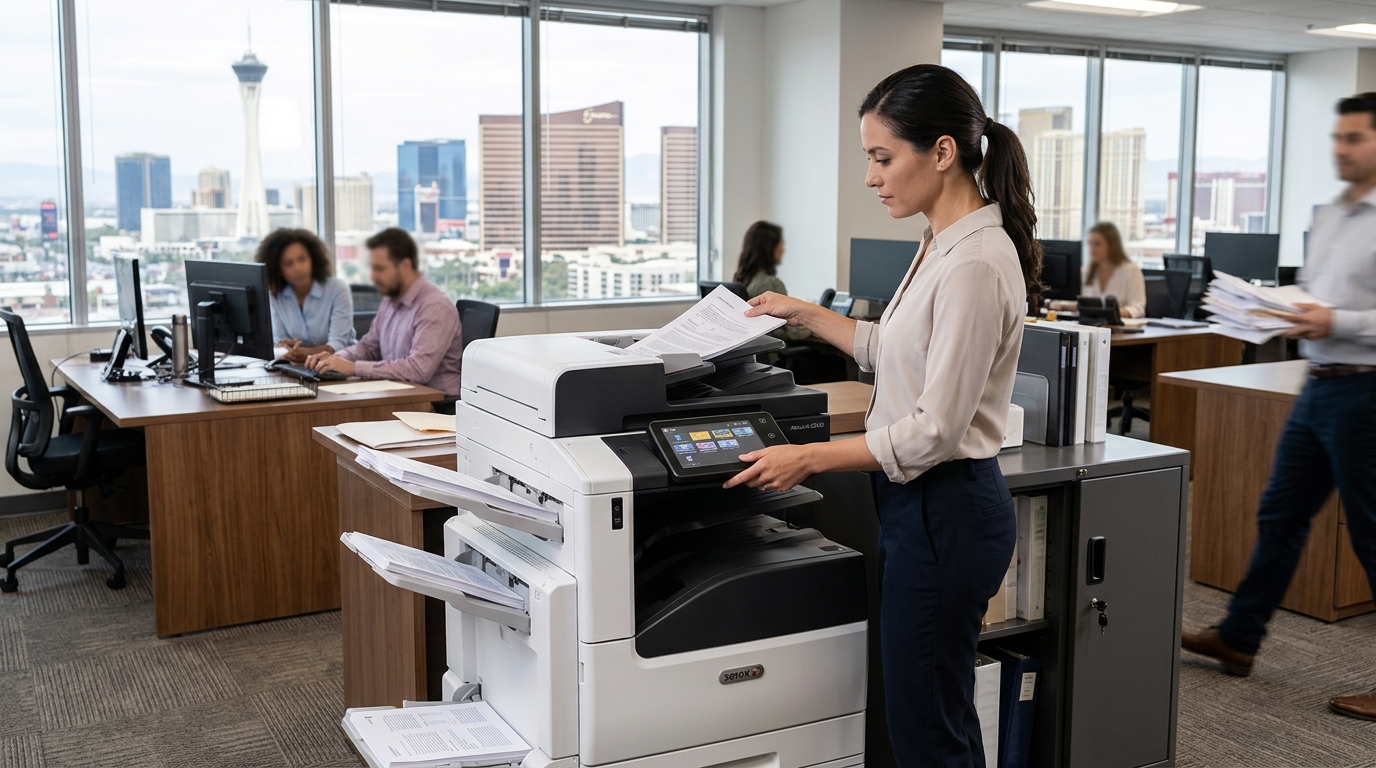
For businesses considering a copier lease in Las Vegas, security should be one of the factors evaluated alongside print speed, monthly costs, and service coverage. Modern copiers do much more than print and copy. Many store information, connect to office networks, and allow employees to scan documents to email, shared folders, or cloud platforms.
Choosing equipment with the right security capabilities can help businesses reduce unnecessary exposure and manage documents more responsibly.
Why Copier Security Matters
An office copier can become a point of vulnerability if it is not configured and maintained properly. Some multifunction devices contain internal storage that may retain document data. Network-connected machines can also introduce security concerns if default settings, passwords, and access permissions are overlooked.
Consider a professional office that regularly prints customer contracts or financial records. If employees can access every stored document or use unrestricted scanning destinations, sensitive information may be exposed accidentally.
Security is not only about preventing outside attacks. It also involves establishing sensible controls for everyday office activity.
Security Features to Consider When Leasing
When comparing copier equipment, ask about the security features available on each model.
User authentication: Some copiers allow employees to enter a PIN, use an access card, or authenticate through a network account before releasing print jobs.
Secure print release: This feature helps prevent documents from sitting unattended in the output tray. Employees can send a job to the copier and release it when they are physically at the device.
Data encryption: Encryption can help protect information stored on or transmitted by supported devices. Ask which data protection features are available and how they are configured.
Access controls: Administrators may be able to limit access to specific functions, such as color printing, scanning, or address book settings.
Audit and usage reports: Reporting features can help businesses understand device usage and identify unusual activity.
Not every copier offers the same capabilities, so it is important to match the equipment to your organization’s security requirements.
Don’t Overlook Setup and Maintenance
Even a copier with strong security features needs proper configuration. Default administrator passwords should be changed, unnecessary services should be disabled, and network settings should follow the company’s IT policies.
Firmware updates are another important consideration. Manufacturers may release updates that address vulnerabilities or improve device performance. Businesses should understand who is responsible for applying updates and maintaining the equipment.
When evaluating a copier lease in Las Vegas, ask whether installation includes network configuration and whether ongoing technical support is available.
Train Employees on Secure Printing
Technology alone cannot prevent every document security problem. Employees should understand basic practices, including:
- Collecting printed documents immediately
- Using secure print release for sensitive jobs
- Checking email addresses before scanning documents
- Avoiding unattended copies of confidential paperwork
- Reporting unusual copier behavior
- Following company rules for document disposal
Simple habits can make a meaningful difference in protecting business information.
Questions to Ask Before Signing a Copier Lease
Before choosing equipment, discuss the following with your provider:
- Does the copier support user authentication?
- Can print jobs be held until the employee releases them?
- What data protection features are available?
- Can administrator access be restricted?
- Are firmware updates and security settings part of ongoing support?
- What happens to stored information when the equipment is returned?
These questions help clarify what the equipment can do and what responsibilities remain with your business.
A More Informed Copier Decision
A copier should support more than daily printing needs. It should fit into the company’s wider approach to document management, network security, and employee productivity.
For businesses exploring a copier lease in Las Vegas, comparing security capabilities early can help prevent problems later. Consider the information your office handles, the number of employees using the device, and the way documents move through your organization.
Tangerine Office Machines helps Las Vegas businesses explore office copier and multifunction printer options based on their equipment requirements. Contact the team to discuss your printing environment and find equipment that supports your everyday workflow.