Running a small business means constantly looking for ways to work smarter, improve efficiency, and keep costs under control. Whether you’re managing a law office, medical practice, construction company, or professional services firm, the right office technology can make a significant difference in your day-to-day operations.
Many businesses still rely on separate printers, scanners, copiers, and fax machines. While that setup may seem familiar, it often creates unnecessary complexity, takes up valuable office space, and slows down productivity.
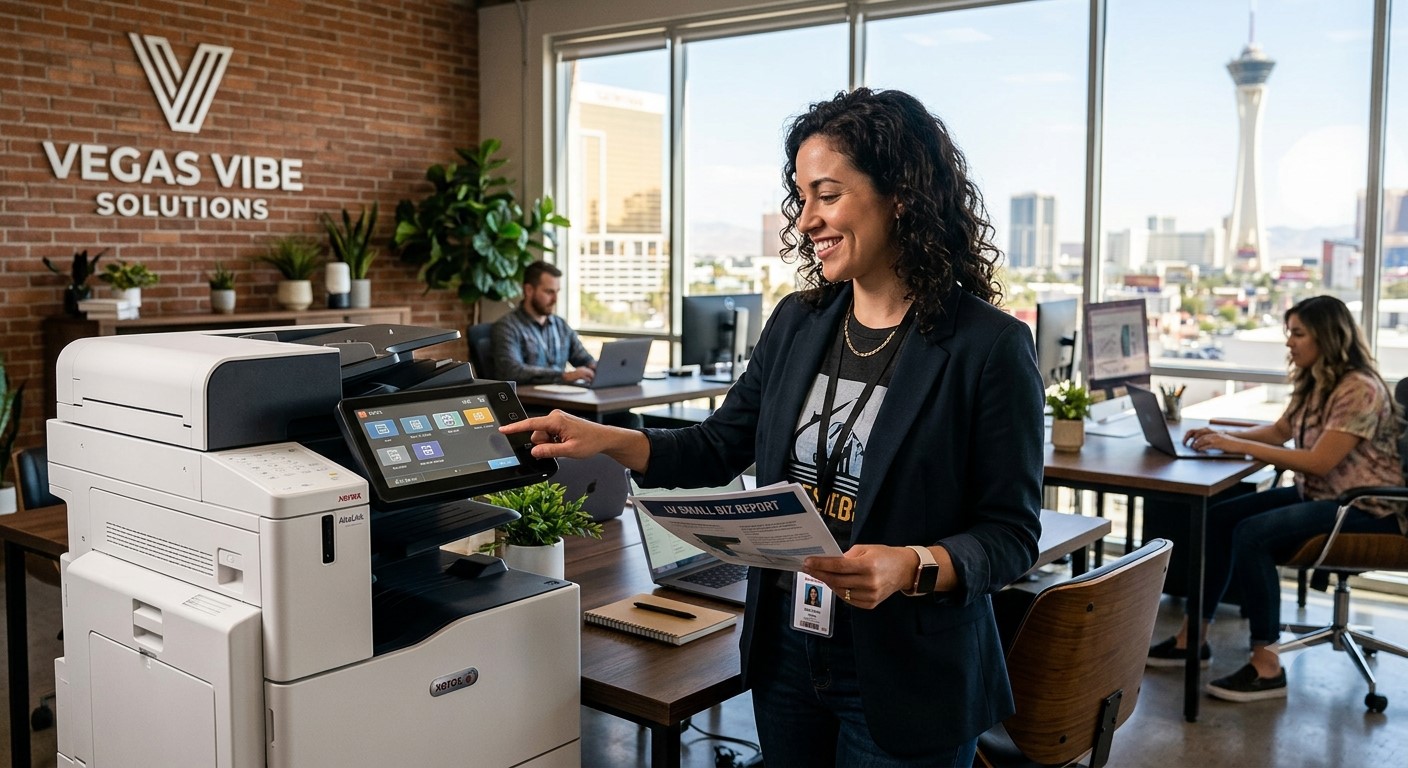
That’s one reason why more Las Vegas businesses are making the switch to multifunction printers. These all-in-one devices combine several essential office functions into a single machine, helping organizations streamline workflows, reduce costs, and support today’s increasingly digital workplace.
Let’s take a closer look at why multifunction printers have become a popular choice for growing businesses throughout Las Vegas.
What Is a Multifunction Printer?
A multifunction printer (MFP) combines several office functions into one device. Depending on the model, a multifunction printer can handle:
- Printing
- Copying
- Scanning
- Faxing
Rather than maintaining separate machines for each task, businesses can manage their document needs from a single centralized device.
Today’s multifunction printers are far more advanced than the office copiers of the past. Modern systems often include touchscreen controls, cloud connectivity, advanced scanning features, workflow automation, and security tools that help businesses manage information more efficiently.
For many companies, a multifunction printer serves as a hub for document management rather than simply a device for printing paper.
Save Valuable Office Space
Office space is valuable, especially for small businesses trying to maximize every square foot.
When multiple devices are scattered throughout an office, they consume space that could be used more productively. Separate printers, scanners, copiers, and fax machines can quickly contribute to clutter and make workspaces feel crowded.
A multifunction printer helps solve this problem by consolidating several devices into one.
For example, a small law office may currently have:
- A desktop printer
- A standalone scanner
- A copier
- A fax machine
Replacing those devices with a single multifunction copier can free up space, reduce cable clutter, and create a cleaner work environment.
Businesses throughout Las Vegas are finding that simplifying their office equipment often leads to a more organized and professional workspace.
Improve Employee Productivity
Time is one of the most valuable resources in any business. Employees shouldn’t have to spend extra time moving between different machines just to complete basic document tasks.
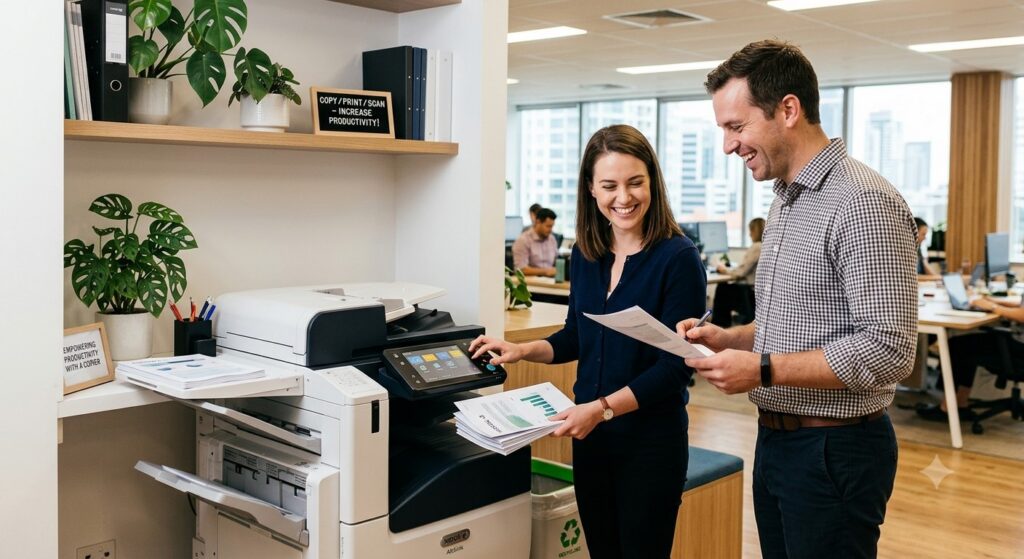
Multifunction printers simplify daily workflows by providing one convenient location for printing, copying, and scanning.
Instead of:
- Printing from one machine
- Walking to another scanner
- Saving files separately
- Returning to a different copier
Employees can complete everything from one device.
This streamlined process reduces interruptions and helps teams work more efficiently throughout the day.
Imagine an administrative assistant preparing client documents. With a multifunction printer, they can print, scan, copy, and email paperwork without leaving the machine. Small time savings like these add up quickly and can have a meaningful impact on overall office productivity.
Simplify Scanning and Document Management
Many businesses are moving away from paper-heavy processes and embracing digital document management.
Multifunction printers make this transition much easier.
Modern printer scanning solutions often include features such as:
- Scan-to-email
- Scan-to-network folders
- PDF creation
- Searchable document formats
- Digital archiving
Rather than filing paper documents in cabinets, employees can scan and store information electronically for easy access.
This is especially valuable for industries that handle large volumes of paperwork.
For example:
- Medical offices can digitize patient records.
- Law firms can organize case documents electronically.
- Accounting firms can securely store tax documents.
- Construction companies can manage contracts and project files digitally.
Digital document workflows improve organization while making information easier to find when it’s needed.
Support Cloud-Based Workflows
The way businesses work has changed significantly in recent years.
Employees often need access to documents from multiple locations, whether they’re working remotely, traveling between job sites, or collaborating with colleagues across different offices.
Modern multifunction printers support cloud printing and cloud-based document workflows that make information more accessible.
Many systems integrate with popular cloud platforms, allowing users to:
- Access files remotely
- Upload scanned documents directly to the cloud
- Share files more efficiently
- Collaborate across teams
- Support hybrid work environments
For businesses that rely on flexibility, cloud integration helps ensure employees can stay productive no matter where they’re working.
As remote and hybrid work arrangements continue to evolve, cloud-enabled multifunction printers are becoming an increasingly important part of office infrastructure.
Lower Overall Printing Costs
When evaluating office equipment, it’s important to look beyond the purchase price.
The true cost of printing includes:
- Equipment maintenance
- Energy consumption
- Toner and supplies
- Repairs
- Downtime
- Administrative management
Multifunction printers can help reduce many of these expenses.
By consolidating several devices into one, businesses often experience:
- Lower maintenance requirements
- Reduced energy usage
- Improved toner efficiency
- Fewer service calls
- Simpler supply management
Managing one device is often far easier and less expensive than managing multiple machines from different manufacturers.
Many businesses also benefit from managed print services, which provide greater visibility into printing activity and help identify opportunities to reduce waste and control costs.
Over time, these savings can have a meaningful impact on a company’s operating budget.
Better Security for Business Documents
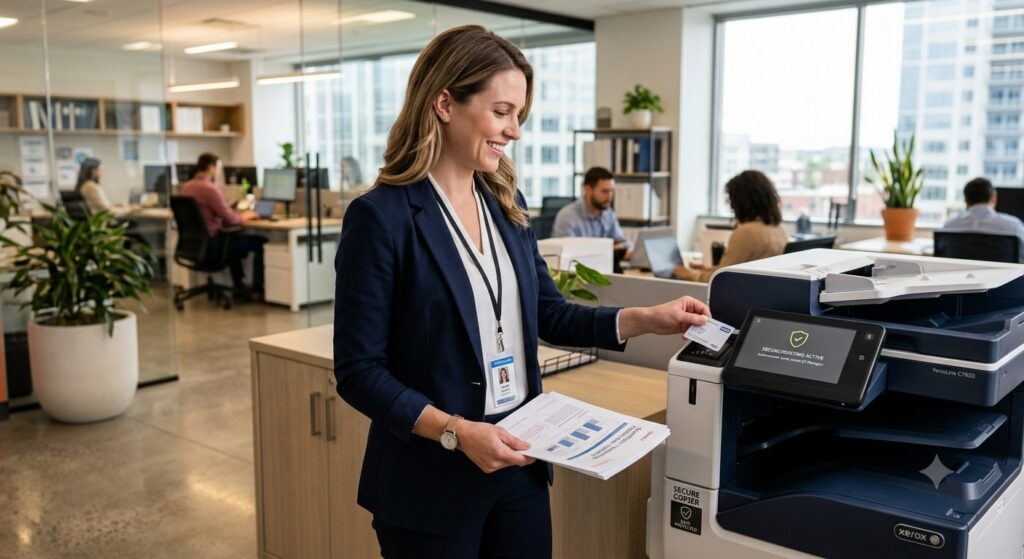
Document security is a growing concern for organizations of all sizes.
Businesses routinely handle confidential information, including:
- Client records
- Financial data
- Employee information
- Medical records
- Legal documents
Without proper safeguards, sensitive information can be vulnerable to unauthorized access.
Fortunately, many modern multifunction printers include built-in security features designed to protect business data.
Common features include:
- User authentication
- Secure print release
- Role-based access controls
- Data encryption
- Audit tracking
For example, secure print release allows documents to remain in a print queue until the authorized user arrives at the machine and verifies their identity.
These safeguards help businesses maintain compliance requirements while protecting confidential information from accidental exposure.
Scalability for Growing Businesses
One of the biggest advantages of multifunction printers is their ability to grow alongside a business.
As organizations expand, their document needs often become more complex.
A growing company may need:
- Higher print volumes
- Additional user access
- Faster document processing
- More advanced workflow automation
- Enhanced security controls
Many multifunction printer platforms are designed to accommodate these changing requirements.
Businesses can choose solutions that meet their current needs while maintaining flexibility for future growth.
Leasing programs can provide additional advantages by allowing businesses to upgrade equipment as technology evolves or operational demands increase.
This scalability helps ensure companies aren’t forced to replace equipment prematurely as they grow.
Conclusion
Multifunction printers have become much more than simple office devices. They help businesses save space, improve productivity, streamline document management, support cloud-based workflows, enhance security, and reduce overall operating costs.
For many Las Vegas businesses, upgrading to a multifunction printer is a practical step toward creating a more efficient and productive workplace.
If your office still relies on separate printers, scanners, copiers, and fax machines, it may be worth evaluating whether your current setup is helping or hindering your team’s performance.
The right multifunction printer can simplify everyday operations, improve document workflows, and support your business as it continues to grow.
Find the Right Multifunction Printer for Your Business
Choosing office equipment isn’t a one-size-fits-all decision. Every business has unique workflow requirements, print volumes, and budget considerations.
At Tangerine Office Machines, our team helps Las Vegas businesses identify multifunction printer solutions that align with their specific needs. Whether you’re looking to improve productivity, reduce printing expenses, or modernize your document management processes, we’re here to help.
Contact Tangerine Office Machines today to learn more about multifunction printers and discover which solution is right for your office.