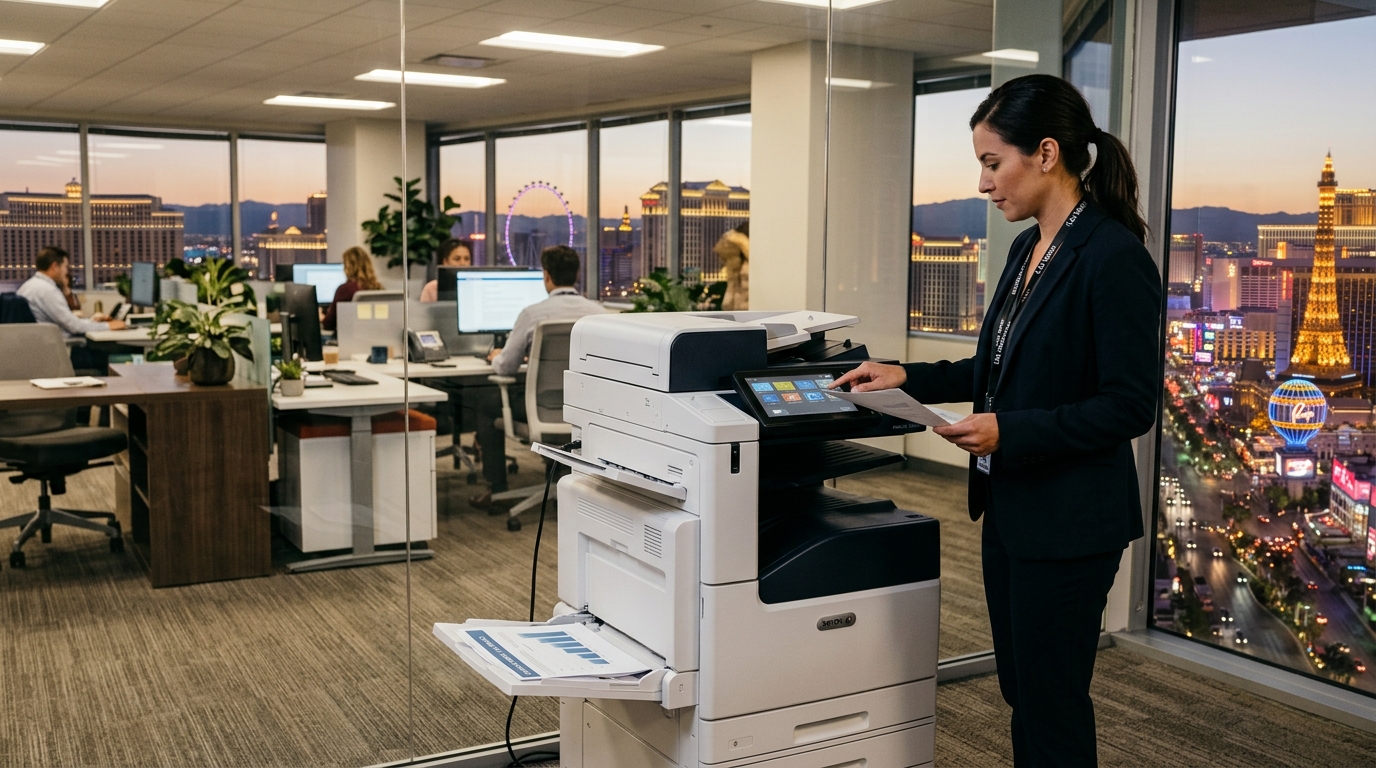
A copier plays an important role in many business operations. Employees rely on it to print contracts, scan invoices, prepare reports, and manage everyday paperwork. But when your equipment struggles to keep up, it can slow down employees, increase maintenance costs, and create unnecessary frustration. For companies experiencing these challenges, exploring a copier lease in Las Vegas may be a practical step toward improving office productivity.
Leasing is not automatically the right solution for every business. Sometimes a repair or adjustment is enough to restore performance. In other situations, an aging copier may no longer meet the office’s workload or security requirements. Knowing when to consider a replacement can help you make a better-informed equipment decision.
Here are five signs that your Las Vegas business should review its current copier setup.
1. Your Copier Breaks Down Too Frequently
Occasional copier problems are normal. Paper jams, low toner, and connectivity issues can often be resolved with basic troubleshooting or routine maintenance. However, repeated breakdowns may indicate that the equipment is no longer a dependable fit for your office.
Think about how often employees report problems. Does the machine regularly stop in the middle of a large print job? Are employees frequently waiting for repairs? Does a recurring issue return shortly after a technician fixes it?
Even when each repair seems manageable, the combined effect can be expensive. Employees may lose productive time, jobs may be delayed, and important documents may need to be printed elsewhere.
Before deciding to replace the copier, review its service history and ask a qualified technician whether the problems are likely to continue. Compare the expected cost of maintaining the current equipment with the cost of obtaining a newer machine.
A copier lease may be worth exploring if your existing equipment has become unreliable and your business needs consistent access to printing and scanning.
2. Your Office Has Outgrown Its Current Equipment
A copier that worked well for a small team may struggle when the business expands. Hiring additional employees, opening another department, or increasing customer activity can significantly change printing requirements.
You may notice that employees are waiting longer for print jobs, the paper trays need frequent attention, or large batches of documents take too long to complete. Your existing device may also lack the scanning, finishing, or paper-handling features needed for newer workflows.
Before selecting replacement equipment, estimate your monthly print volume and identify the tasks employees perform most often. Consider:
- How many employees regularly use the copier?
- How many pages does the office print and copy each month?
- Do employees need frequent color printing?
- Are large reports or multipage documents common?
- Would faster scanning or additional paper capacity help?
- Does the office need better access controls or secure printing?
These answers can help you identify the equipment capacity and features that make sense for your current operations.
When reviewing a copier lease in Las Vegas, ask the provider to recommend a machine based on your workload rather than simply selecting the fastest or most expensive model.
3. Your Printing Costs Are Becoming Difficult to Manage
The monthly cost of operating a copier includes more than the equipment itself. Repairs, supplies, paper, service visits, and printing charges may all affect your total spending.
If your business is frequently paying for repairs or experiencing unexpected service expenses, it may be time to compare the cost of keeping the current machine with the cost of replacing it.
Start by collecting invoices and service records from the past year. Include equipment payments, maintenance, parts, supplies, and any charges associated with downtime or outsourced printing.
Then request a detailed proposal for replacement equipment. Ask whether the lease includes a service agreement, what supplies are covered, whether there are monthly page allowances, and how additional black-and-white or color pages are billed.
Do not assume that leasing automatically reduces costs. A newer machine may improve reliability or efficiency, but the overall value depends on the contract, usage, and equipment selected.
The objective is to understand your total cost and determine which option best supports your business budget.
4. Your Copier Cannot Support Modern Office Workflows
Office technology continues to evolve, and businesses increasingly rely on digital document handling. If your current copier only performs basic printing and copying, employees may spend extra time completing tasks manually.
A modern multifunction copier may combine printing, copying, and scanning in one device. Depending on the model, it may also support:
- Automatic document feeding for multipage scans
- Duplex printing
- Scan-to-email or scan-to-folder workflows
- Network printing for multiple employees
- User authentication and secure print release
- Additional paper trays and finishing options
For example, a business that regularly processes signed contracts may benefit from a reliable scanning workflow that sends documents to approved destinations. An accounting office may value fast multipage scanning, while a sales department may need color output for presentations.
Before upgrading, identify the workflow problems you want to solve. Confirm that the proposed copier supports your software, network, and security requirements.
Also consider the way employees handle confidential documents. Ask about access controls and how stored information is protected and removed when equipment is returned.
5. Your Current Agreement No Longer Fits Your Business
Sometimes the problem is not the copier itself but the agreement supporting it. Your business may have changed since the contract began.
Perhaps the office now prints more pages, needs additional scanning features, or has moved to another location. You may also have discovered that important services or supplies are billed separately, making the total cost higher than expected.
Review your existing contract before deciding to renew, replace, or change equipment. Pay particular attention to:
- Remaining agreement term
- Monthly payments and total scheduled cost
- Service coverage and exclusions
- Page allowances and usage charges
- Equipment upgrade or replacement options
- Relocation requirements
- Early termination provisions
- Renewal deadlines and notice requirements
- End-of-term return obligations
If the agreement is nearing expiration, use that opportunity to compare alternatives. A new copier lease may provide a better equipment match, but only if the full terms support your needs.
Avoid waiting until the last minute to review the contract. Some agreements have specific notice periods or renewal provisions that can affect your options.
Copier Lease vs. Repair: Which Should You Choose?
Replacing equipment is not always necessary when a problem occurs. A repair may be the more economical choice when the copier is otherwise reliable, suitable for the workload, and supported by available parts.
Consider the following factors before deciding:
Repair may be appropriate when:
- The problem is isolated and inexpensive to fix.
- The machine still meets your print volume requirements.
- Parts and technical support remain available.
- The copier supports your essential workflows.
- The agreement and service costs remain reasonable.
A replacement or new lease may be worth considering when:
- Breakdowns are frequent.
- Repair expenses continue to accumulate.
- The machine cannot keep up with demand.
- Required features are missing.
- Security or compatibility needs have changed.
- Your existing agreement is approaching its end.
Ask a qualified technician or equipment provider to evaluate the machine before making a final decision.
How to Prepare for a Copier Lease Quote in Las Vegas
You can make the equipment selection process easier by preparing a few details before contacting a provider.
First, estimate your monthly print volume and the percentage of pages that require color. Next, list the features your team needs, such as scanning, duplex printing, network access, and finishing options.
Then review your current service invoices and equipment agreement. This information can help you compare your current costs with a proposed lease.
When requesting a quote, ask for an itemized breakdown covering equipment payments, maintenance, supplies, usage charges, installation, and end-of-term responsibilities. Clarify whether the lease and service plan are separate agreements.
If your office has special security requirements, involve your IT team before selecting a machine.
Find the Right Copier Lease for Your Business
A copier that frequently breaks down, struggles with daily workloads, or lacks essential features can affect productivity across your office. Reviewing these warning signs can help you decide whether repair, replacement, rental, or leasing deserves further consideration.
Tangerine Office Machines is a resource for businesses evaluating office printing equipment in Las Vegas. Discuss your current equipment challenges, expected print volume, and preferred features to explore suitable options.
The right decision should be based on the equipment’s actual performance, the total cost of ownership or use, and the terms of any proposed agreement—not just the monthly payment.