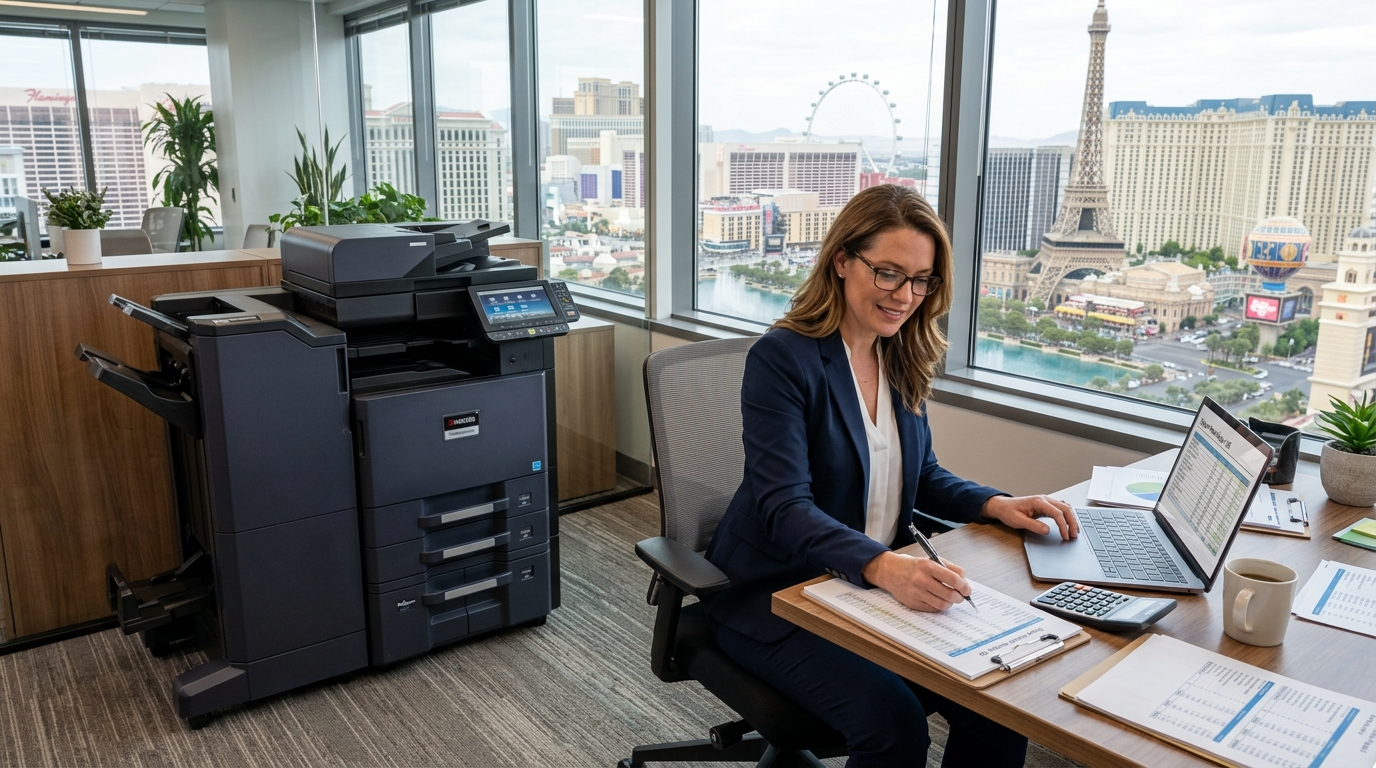
Business growth is exciting, but it can put pressure on everyday office operations. As a company hires more employees, serves additional customers, or expands into new projects, printing and document-handling needs often increase too. If your current equipment cannot keep up, copier rental in Las Vegas may be worth considering as a way to add printing capacity without immediately purchasing another machine.
The right approach depends on how quickly your business is growing, how much it prints, and how long you expect to need the equipment. A rental can be useful for a temporary increase in demand, a new office, or a period when your company is still determining its long-term requirements.
This guide explains how growing businesses can evaluate copier rental and choose equipment that supports their operations.
Why Growth Changes Your Printing Needs
When a business is small, employees may share a single printer or multifunction copier without much difficulty. As the team expands, the same device may become a bottleneck.
Employees might wait for large jobs to finish, compete for access during busy periods, or spend extra time scanning documents individually. New departments may also require different capabilities, such as color printing, multipage scanning, or secure document release.
Growth can create several changes in office printing:
- More employees printing throughout the day
- Higher monthly page volumes
- Increased production of proposals and reports
- More customer paperwork and invoices
- Additional scanning and document-sharing requirements
- New locations that need their own equipment
- Greater importance of secure printing and access controls
Before adding equipment, identify which of these challenges affects your office. Sometimes improving print settings or moving equipment can help. In other cases, an additional or higher-capacity copier may be the better fit.
When Does Copier Rental Make Sense for a Growing Business?
1. Your current copier is reaching capacity
If your office is printing more pages than it used to, your existing copier may no longer provide enough capacity for comfortable daily operation.
Start by reviewing the machine’s usage reports and comparing them with your current workload. Consider whether the increased demand is temporary or likely to continue.
If the increase is related to a short-term contract or busy season, renting additional equipment may help. If your business has permanently outgrown the existing machine, compare rental, leasing, and purchasing options for a longer-term solution.
2. You are opening a new office
Expanding into another Las Vegas location can create an immediate need for printing equipment. Employees may need to print contracts, invoices, forms, and internal documents from the new office.
Copier rental may help you equip the location while you assess its actual workload. Before arranging delivery, consider the number of employees, expected page volume, color requirements, scanning needs, and available network infrastructure.
If the new office is expected to operate indefinitely, compare the total cost of extended rental with leasing or purchasing equipment.
3. You are hiring temporary or seasonal employees
Some businesses increase staffing during busy periods or special projects. Additional employees can create extra printing demand even when the company’s long-term equipment requirements remain unchanged.
A supplemental rental copier may provide more capacity during the busy period without permanently expanding the equipment fleet.
Make sure the machine is suitable for the expected workload and that the rental term aligns with the staffing schedule. Ask about the process for returning or extending the equipment if the project runs longer than expected.
4. You need time to evaluate your long-term needs
A growing company may not yet know how much it will print six or twelve months from now. Renting equipment may offer a way to meet immediate needs while gathering better information about actual usage.
During the rental period, track page volumes, the frequency of color printing, scanning activity, and service requirements. That information can help you make a more informed decision when comparing long-term rental, leasing, or purchasing.
However, verify the rental’s minimum term and total cost first. Flexibility is valuable only when the agreement actually provides it at an acceptable price.
Choosing the Right Copier as Your Business Grows
Estimate the workload
Begin with the expected monthly print volume. Include all departments that will use the machine, not just the employees who currently print the most.
If your office has distinct busy periods, explain them when requesting a quote. A provider can use this information to recommend equipment suited to the workload.
Choose features that save time
For many growing offices, scanning and document handling are just as important as printing speed.
Consider whether your team needs automatic document feeding, duplex printing, scan-to-email, scan-to-folder, multiple paper trays, or stapling. Choose features that solve real workflow problems instead of paying for options that will rarely be used.
Plan for multiple users
If several employees will share the copier, verify that it supports your network and operating environment. Ask about printing from different computers and how the machine handles queued jobs.
Your IT team should confirm network access, driver compatibility, scanning destinations, and security settings before installation.
Account for future expansion
If you expect the business to grow further, ask how the rental provider handles changing requirements. Find out whether you can extend the rental, replace the machine, or add another device.
Get the terms in writing, including any additional charges. Do not assume that an equipment upgrade or relocation is automatically included.
Understand the Full Cost of Copier Rental
The price of copier rental in Las Vegas depends on the equipment and agreement. A proposal may include some services and supplies while charging separately for others.
Review the following cost factors:
Equipment and rental term: The machine type and agreement duration influence the total price.
Print volume: A rental may include a page allowance or apply charges when usage exceeds a specified amount.
Color printing: Color and black-and-white pages may have different rates.
Delivery and setup: Ask whether delivery, installation, and network configuration are included.
Maintenance and repairs: Confirm who handles service calls and which parts or repairs are covered.
Toner and supplies: Clarify what is included and how replacement supplies are provided.
Changes to the agreement: Relocation, extensions, upgrades, and early returns may involve additional charges.
Request an itemized quote and estimate the total cost for your expected usage. This makes it easier to compare a rental with repairing existing equipment or purchasing another copier.
Copier Rental vs. Buying Additional Equipment
Buying another copier may make sense if your company expects to maintain the same workload over several years and wants to own the machine. Rental may be more suitable when the need is temporary, uncertain, or tied to a particular project.
Compare the options over the same time period. For a purchase, include equipment price, maintenance, supplies, repairs, and future replacement. For rental, include all payments, page charges, delivery, service, and return-related fees.
Also consider the operational impact. If your employees are losing significant time waiting for the existing copier, adding capacity may have value beyond the equipment cost alone.
The goal is not necessarily to minimize the number of machines. It is to create a setup that meets the company’s requirements without unnecessary expense.
Keep Printing Secure During Business Expansion
Growing businesses may add employees, contractors, and new office locations. That can make document access more complicated, especially when printing or scanning confidential information.
Consider whether your rental copier supports user authentication, PIN-based printing, or secure release of print jobs. Confirm that scanning destinations are configured appropriately and that employees understand how to handle sensitive documents.
Coordinate with your IT team to ensure the equipment meets company policies. At the end of the rental, ask how stored data is removed before the copier leaves your office.
Security should be considered during equipment selection, not added as an afterthought after installation.
Prepare for a Copier Rental Consultation
Before contacting a provider, gather these details:
- The number of employees who will use the copier
- Your estimated monthly print volume
- Color and black-and-white printing requirements
- Required scanning and finishing features
- The location and expected installation date
- Your anticipated rental duration
- Whether service and supplies must be included
- Any network or security requirements
- Your budget and growth expectations
- Whether you may need an extension or additional machine
Having this information ready can help the provider recommend a suitable model and prepare a more accurate quote.
Support Your Business Growth With the Right Equipment
Growth should not be slowed by inadequate office equipment. Whether your business is adding employees, opening a new location, or handling a temporary increase in document volume, copier rental may offer a practical way to address immediate needs.
Tangerine Office Machines can be a starting point for Las Vegas businesses exploring copier options. Discuss your expected workload, installation timeline, and required features to determine which equipment and agreement may be appropriate.
Before committing, compare the complete rental cost with other options and verify the service, supply, and return terms. A well-planned equipment decision can help your team handle increasing demand while keeping printing expenses under control.