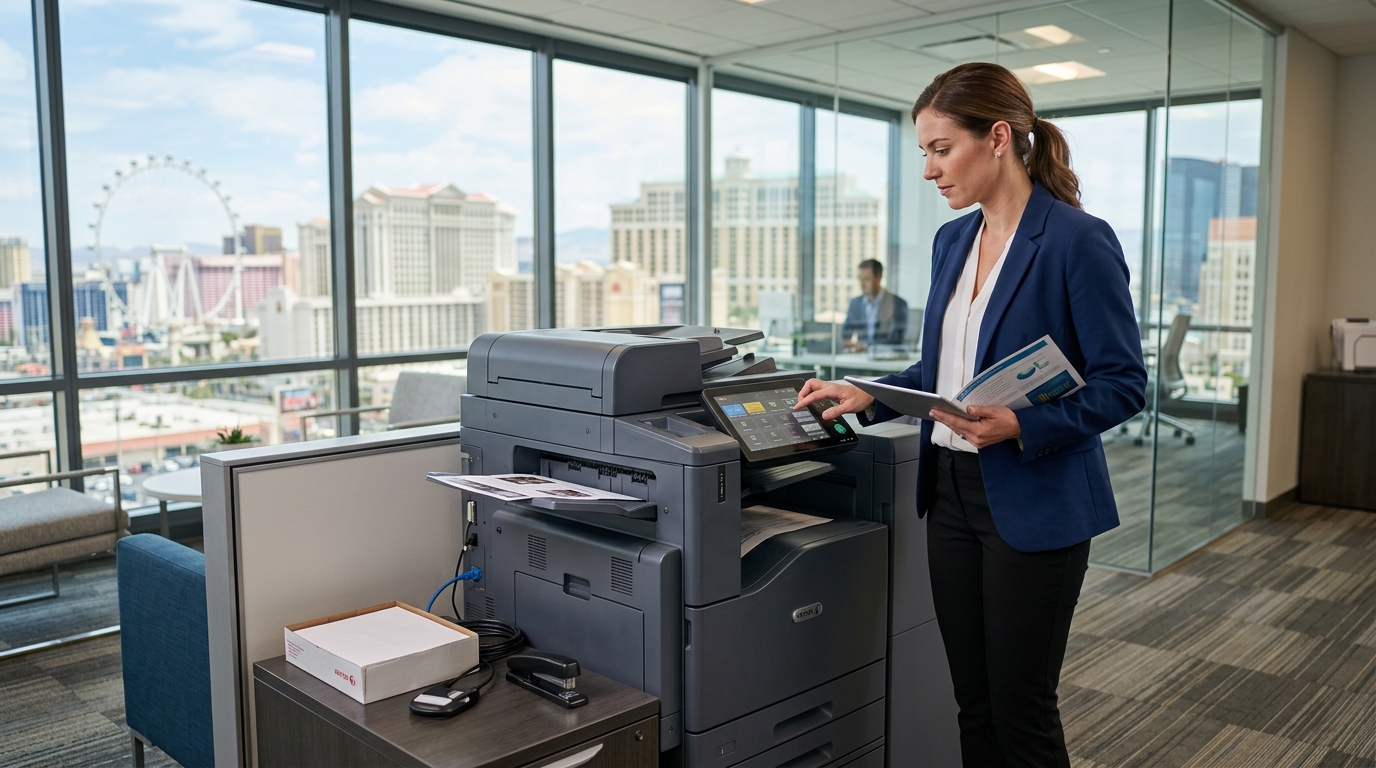
For many companies, a dependable copier is an everyday business necessity. Employees use it to print contracts, scan invoices, copy forms, and prepare customer documents. If your office needs commercial printing equipment but would rather avoid a large upfront purchase, a copier lease in Las Vegas may be worth considering.
Leasing can provide access to equipment through scheduled payments, but the value depends on the contract. Businesses should understand the payment structure, service arrangements, usage costs, and end-of-term responsibilities before signing. A lease that appears affordable at first may be less attractive if important services are excluded or the agreement does not fit the company’s future needs.
This guide explains what Las Vegas businesses should consider when comparing copier leasing options.
What Is a Copier Lease?
A copier lease is an agreement that allows a business to use specified equipment for an agreed period in exchange for scheduled payments. The precise terms depend on the leasing company and contract.
The agreement may cover a standalone copier or a multifunction printer that can print, copy, and scan documents. More advanced models may offer color printing, multiple paper trays, network connectivity, document finishing, and security features.
It is important to distinguish the equipment lease from the service arrangement. A lease may cover the right to use the machine without automatically including toner, maintenance, repairs, or per-page printing costs. Some providers offer combined packages, while others structure equipment and service separately.
Ask for written confirmation of what is included.
Why Consider a Copier Lease in Las Vegas?
Manage upfront equipment expenses
Purchasing commercial office equipment can require a substantial initial investment. Leasing may allow a business to spread equipment payments over the agreement term and retain more cash for other priorities.
This can be attractive to growing companies, professional offices, and organizations that need reliable equipment but prefer not to make a large immediate purchase.
However, monthly payments should not be the only consideration. Compare the total amount payable over the term, additional fees, service expenses, and any obligations at the end of the agreement.
Choose equipment for your current workflow
Businesses have different printing requirements. A small office may need a basic multifunction device, while a larger team may require a higher-capacity copier with faster output, additional paper trays, and advanced scanning features.
Before choosing equipment, estimate monthly print volume, the number of users, color requirements, and document types. The right model should support your daily workflow without requiring you to pay for capabilities you rarely use.
Plan for service and maintenance
A copier that is unavailable during a busy workday can slow down several employees at once. When evaluating a lease, determine whether maintenance is included in a separate service plan and how service requests are handled.
Ask about covered repairs, parts, labor, toner, response times, and any exclusions. If your office depends heavily on printing, consider how the provider will respond when the machine is out of service.
Support changing business needs
A business may add employees, expand into another office, or increase its document volume during a lease term. Before signing, ask whether the provider offers upgrades, equipment changes, or options for adding another machine.
Review any applicable fees and restrictions. Do not assume that you can return or replace equipment early without cost.
How to Choose the Right Copier for Your Lease
Determine monthly print volume
Begin with the number of pages your business prints and copies each month. If your current copier provides usage reports, use those figures as a starting point.
Consider both normal activity and busy periods. A machine selected for an unrealistically low workload may not be a good long-term fit.
Also ask how the service plan or lease handles monthly usage. Some arrangements include page allowances, while others charge per printed page or apply separate rates for color and black-and-white output.
Choose between color and monochrome
Black-and-white copiers can be appropriate for invoices, forms, internal documents, and text-heavy reports. Color equipment may be necessary for presentations, marketing materials, charts, and client-facing documents.
If color printing is important, compare the equipment payment and usage charges. Ask whether color and monochrome pages are billed differently and whether the proposed plan matches your expected mix.
Evaluate scanning and finishing features
A modern multifunction copier can simplify document handling by allowing employees to scan files directly to approved destinations.
Consider whether you need:
- Automatic document feeding for multipage scanning
- Two-sided printing
- Scan-to-email or scan-to-folder
- Network access for multiple employees
- Multiple paper trays
- Stapling or other finishing options
- Secure print release or user authentication
Select features based on real business requirements, not simply the number of functions advertised.
Check connectivity and compatibility
Before signing, confirm that the copier can work with your office network and computers. If your company uses specific scanning destinations, authentication methods, or document management systems, verify compatibility in advance.
Involve your IT contact when needed. Clarifying these requirements before installation can help prevent setup delays.
Understand the Full Cost of a Copier Lease
The total cost may include several components beyond the base equipment payment.
| Cost component | What to confirm |
|---|---|
| Equipment payment | Monthly amount, term, and total scheduled payments |
| Service plan | Whether labor, parts, and repairs are covered |
| Toner and supplies | Included items, exclusions, and replenishment process |
| Print charges | Page allowance and additional per-page rates |
| Installation | Delivery, setup, and network configuration fees |
| Changes to the agreement | Upgrade, relocation, or early termination costs |
| End of term | Return instructions, renewal options, or purchase provisions |
Ask for an itemized proposal so you can compare similar offers. A lower equipment payment may not produce the lowest overall cost if service and supplies are charged separately.
Read the Lease Agreement Carefully
Before signing a copier lease in Las Vegas, review the following points.
Term and payment schedule: Confirm the start date, duration, payment frequency, and total scheduled payments.
Early termination: Understand whether ending the agreement early is permitted and what costs may apply.
Service responsibility: Determine whether maintenance is part of the lease or requires a separate agreement.
Equipment changes: Ask about upgrades, replacements, or relocation to another office.
End-of-term obligations: Confirm what happens when the lease expires. Depending on the contract, you may need to return the equipment, renew the agreement, or exercise another specified option.
Automatic renewal: Check whether the agreement renews automatically and what notice is required to prevent renewal.
Insurance and damage: Determine who is responsible for loss, damage, or other equipment-related obligations.
If a contract provision is unclear, request an explanation in writing before committing.
Copier Lease vs. Buying
Leasing may be appropriate for businesses that want scheduled equipment payments or prefer to avoid paying the full purchase price upfront. Buying may appeal to companies that want ownership and expect to use the same equipment for a long time.
Compare the alternatives over the same period. For a purchase, include the purchase price, financing costs if any, maintenance, supplies, repairs, and eventual replacement. For a lease, include scheduled payments, service costs, usage charges, and end-of-term obligations.
Also consider how quickly your needs may change. A business expecting substantial growth may value equipment flexibility, while a stable office with predictable requirements may prioritize long-term cost.
Neither option is automatically better for every company.
Copier Lease vs. Copier Rental
Rental and lease agreements can differ in duration, pricing, service coverage, and return conditions. A short-term rental may suit a convention, temporary office, or project with a defined end date. A copier lease may be considered when a business expects to use equipment over a longer period.
The terminology is not always consistent across providers, so evaluate the actual contract rather than relying on the label. Compare minimum terms, total cost, included services, upgrade options, and the process for ending the agreement.
If your requirements are temporary or uncertain, ask the provider to compare a rental option with a lease before you decide.
Questions to Ask a Copier Leasing Provider
Use these questions when requesting a quote:
- Which copier model is recommended for our print volume?
- What is the total cost over the full term?
- Is service included or billed separately?
- Are toner and other supplies included?
- What are the black-and-white and color page rates?
- What response time applies to service requests?
- Can we upgrade or change the equipment?
- What fees apply if we relocate?
- What happens when the agreement ends?
- Is automatic renewal included, and how much notice is required?
Comparing the answers in writing makes it easier to evaluate offers and identify costs that may otherwise be overlooked.
Find a Copier Lease for Your Las Vegas Business
A copier lease can be a useful way to equip an office, but the best arrangement depends on your printing requirements and the details of the contract. Take time to compare equipment specifications, payment terms, service coverage, usage costs, and end-of-term conditions.
Tangerine Office Machines can help Las Vegas businesses explore office printing equipment and evaluate their copier needs. When requesting a quote, share your expected print volume, preferred features, color requirements, and service expectations.
A well-matched copier and a clear agreement can help your team manage everyday document work while giving your business a more informed basis for budgeting.