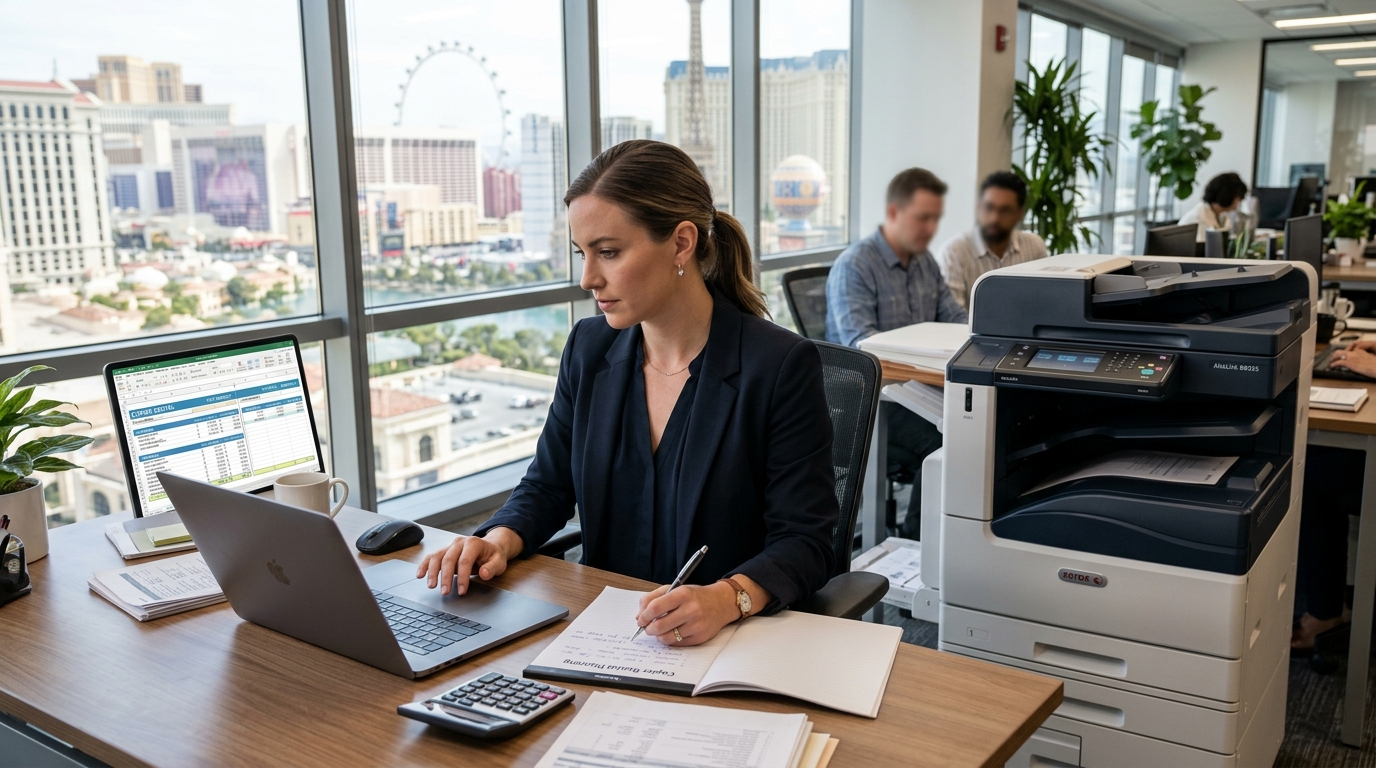
When planning office expenses, businesses often focus on equipment payments and overlook the additional costs associated with printing. Supplies, service, installation, and usage charges can all affect the final bill. If your company is considering copier rental in Las Vegas, building a realistic budget before signing an agreement can help you avoid unexpected expenses and choose equipment that fits your needs.
Whether you operate a small office, manage a growing company, or need a copier for a temporary project, the budgeting process begins with understanding how your team uses printing equipment. A copier with a low rental payment may not be the most economical choice if it does not meet your workload or comes with expensive additional charges.
This guide explains how to estimate your costs, compare rental proposals, and plan for office printing expenses.
1. Determine Why You Need a Copier
Before comparing prices, define the purpose of the rental. The expected duration and workload will influence which equipment and agreement make sense.
For example, a business participating in a Las Vegas convention may need a copier for a short period. A company opening a temporary office may require equipment for several months, while an established business might be exploring a longer rental arrangement.
Write down the expected start date, end date, and reason for renting. If the end date is uncertain, ask providers whether extensions are available and how additional time is billed.
This first step helps prevent you from selecting an agreement that is too short for the project or unnecessarily long for your actual needs.
2. Estimate Your Monthly Printing Volume
Print volume is one of the most important factors in a copier rental budget. Your estimated usage helps determine the type of machine you need and whether a proposed agreement is appropriate.
Start by estimating the number of pages your business prints and copies each month. If you already have a copier or printer, review available usage reports. If you do not, estimate usage based on the number of employees, typical documents, and expected activity.
Separate your estimate into black-and-white and color printing if both are required.
For example, a business that mainly prints invoices and internal forms may have different requirements from a company that produces color proposals, presentations, and marketing materials.
Ask the rental provider:
- Is there a monthly page allowance?
- Are black-and-white and color pages charged differently?
- What happens when usage exceeds the allowance?
- Are copying and printing counted in the same way?
- Can the agreement accommodate changing print volume?
A realistic estimate can help you avoid paying for unnecessary capacity or underestimating usage charges.
3. Include the Equipment Rental Payment
The equipment payment is often the easiest part of the budget to identify, but it should not be treated as the complete cost.
Compare rental proposals for machines with similar capabilities and terms. A basic copier and a higher-capacity multifunction device may have very different prices because their features and workloads differ.
When reviewing a quote, confirm:
- The exact model being provided
- The length of the rental term
- The recurring payment
- The total scheduled payments
- Any minimum rental period
- Any deposit or initial payment
- Extension and early return provisions
Ask whether the quoted price is fixed for the agreement period or subject to conditions specified in the contract.
Do not choose equipment solely because it has the lowest monthly rate. A machine that cannot handle your workload may create delays or additional expenses.
4. Budget for Delivery and Installation
Getting a copier into your office and ready to use may involve additional costs. Some providers include delivery and installation in the rental price, while others list these services separately.
Ask whether the quote covers transportation, placement, initial setup, and basic user instructions. If the machine needs to connect to your office network, confirm whether network configuration is included or requires assistance from your IT team.
For Las Vegas event venues, temporary offices, or buildings with restricted access, ask about delivery scheduling and any special requirements.
You should also consider the physical installation area. Confirm that the location has adequate space, suitable power access, and the necessary network connection.
Clarifying these details in advance can help you avoid delays and unplanned setup expenses.
5. Account for Toner, Paper, and Other Supplies
Supplies can make a noticeable difference to your printing budget, particularly if your office produces a large number of pages.
Before renting, ask which supplies are included. Some agreements may cover toner and certain consumables, while paper and other items remain the business’s responsibility. Coverage and usage conditions vary.
Consider the following questions:
- Is toner included in the rental or service agreement?
- Are replacement supplies delivered automatically or ordered as needed?
- Are there restrictions on the supplies covered?
- Is paper included?
- Are staples or other finishing supplies covered if required?
- Are there charges for unusually high usage?
Estimate paper consumption based on your expected page volume and printing practices. If your copier supports duplex printing, using it for suitable documents can help reduce paper use.
Keep the supply arrangement in your written cost comparison rather than assuming it is part of the equipment payment.
6. Understand Maintenance and Repair Costs
Copier service is another important part of budgeting. If the machine develops a problem, your business needs to know who is responsible for arranging and paying for repairs.
Some rental agreements include maintenance and certain repair services. Others may require a separate service plan or charge for particular visits, parts, or labor.
Ask the provider to explain:
- Which maintenance services are included
- Whether parts and labor are covered
- How service calls are requested
- What response time applies
- Whether toner-related issues are included
- Which repairs or circumstances are excluded
If the copier is essential to daily operations, consider the effect of downtime on employees and customer service.
Do not assume that every repair is covered simply because the machine is rented. Read the agreement and make sure your budget reflects the actual service arrangement.
7. Watch for Additional Fees
Unexpected charges can make a rental more expensive than anticipated. Before signing, ask the provider to identify any fees that may apply during the agreement.
Potential charges include:
- Excess-page fees
- Separate color-printing charges
- Delivery or installation fees
- Network configuration
- Relocation to another office
- Rental extensions
- Early termination
- Late equipment return
- Equipment damage or missing accessories
- Pickup or return transportation
Not every agreement includes these charges, and the amounts vary. The purpose of asking is to identify which fees apply to your specific arrangement.
Request an itemized quote and keep a copy with the signed agreement. This gives your business a clearer reference for expense tracking.
8. Compare Short-Term and Long-Term Rental Costs
The rental period can affect the total expense. A short-term agreement may be appropriate for a specific project, while a longer arrangement may be more practical for ongoing operations.
However, a lower recurring rate does not automatically make a longer contract the better financial decision. You need to compare the full amount payable and consider how long you will actually use the machine.
Suppose your business needs a copier for a temporary project. Compare the cost of renting for the anticipated duration with the cost of a longer minimum term, including any return or extension fees.
If the business needs equipment every day for the foreseeable future, also compare long-term rental, leasing, and purchasing.
Use the same time period and expected print volume when evaluating each option. That makes the comparison more meaningful.
9. Build a Monthly Copier Budget
A simple budget can help you track the costs that matter most. Separate recurring payments from variable expenses so you can see which costs are predictable and which depend on usage.
| Budget category | What to include |
|---|---|
| Equipment | Rental payments and any applicable initial charges |
| Installation | Delivery, setup, and network configuration |
| Printing | Page charges and usage beyond any allowance |
| Supplies | Paper, toner, and other items not included |
| Service | Maintenance, repairs, and any separate service plan |
| Additional fees | Extensions, relocation, or other applicable charges |
| Contingency | A reasonable reserve for uncertain or variable expenses |
Your contingency reserve should reflect the uncertainty in your agreement and workload. It is not a substitute for understanding the contract, but it can help you prepare for expenses that vary from month to month.
Review the budget regularly and compare actual invoices with the original quote. If usage is consistently higher than expected, revisit your printing practices and equipment requirements.
10. Choose Features That Match Your Budget
It can be tempting to select a copier with every available feature. However, additional capabilities are valuable only if your business uses them.
Before requesting a quote, identify your essential requirements.
Printing speed: Choose capacity that supports your normal workload and busy periods.
Color output: Pay for color capabilities when they support a genuine business need.
Scanning: Consider whether employees need an automatic document feeder or direct scanning to approved destinations.
Paper handling: Select trays and paper-size support based on the documents you regularly produce.
Finishing: Stapling or other finishing functions may be useful for reports and presentations, but not every office needs them.
Security: If your company handles confidential documents, consider user authentication and secure print features.
A clear list of priorities helps providers recommend appropriate equipment instead of presenting options that exceed your budget.
11. Consider Rental, Leasing, and Buying
Copier rental is one way to access office equipment, but it is not the only option.
Short-term rental may suit a temporary office, event, or project. Long-term rental may be worth comparing when your company needs equipment for an extended period. A copier lease may suit businesses considering scheduled equipment payments under a defined contract. Purchasing may appeal to companies that prefer ownership.
The right choice depends on the total cost, equipment lifespan, service requirements, and how much flexibility your business needs.
When comparing these alternatives, include the full cost of using the machine rather than comparing only monthly payments. For ownership, account for maintenance, repairs, supplies, and eventual replacement. For rental or leasing, include service charges, usage fees, and end-of-term obligations.
12. Questions to Ask Before Approving the Budget
Before committing to copier rental in Las Vegas, make sure you can answer these questions:
- What is the total cost for the expected rental period?
- What equipment model and features are included?
- Is there a page allowance?
- Are color and black-and-white pages priced differently?
- Which supplies are included?
- Are maintenance and repairs covered?
- What charges apply to delivery and installation?
- Can the rental be extended or ended early?
- What are the pickup and return requirements?
- Are any fees excluded from the quoted price?
Have the provider confirm the important details in writing. If multiple people approve business expenses, share the quote and contract terms with the appropriate decision-makers before signing.
Budget Smarter for Copier Rental in Las Vegas
A realistic copier rental budget accounts for the equipment, usage, supplies, service, installation, and any fees that may apply. By estimating print volume and reviewing the agreement carefully, your business can compare options more confidently and reduce the risk of unexpected expenses.
Tangerine Office Machines can be a starting point for Las Vegas businesses evaluating office printing equipment. When requesting a quote, share your expected rental period, monthly page volume, color requirements, and essential features.
Ask for a clear breakdown of recurring payments and additional charges, then compare the proposal with leasing and purchasing where appropriate. A well-planned budget helps you choose equipment that supports your business without committing more money than your printing needs require.