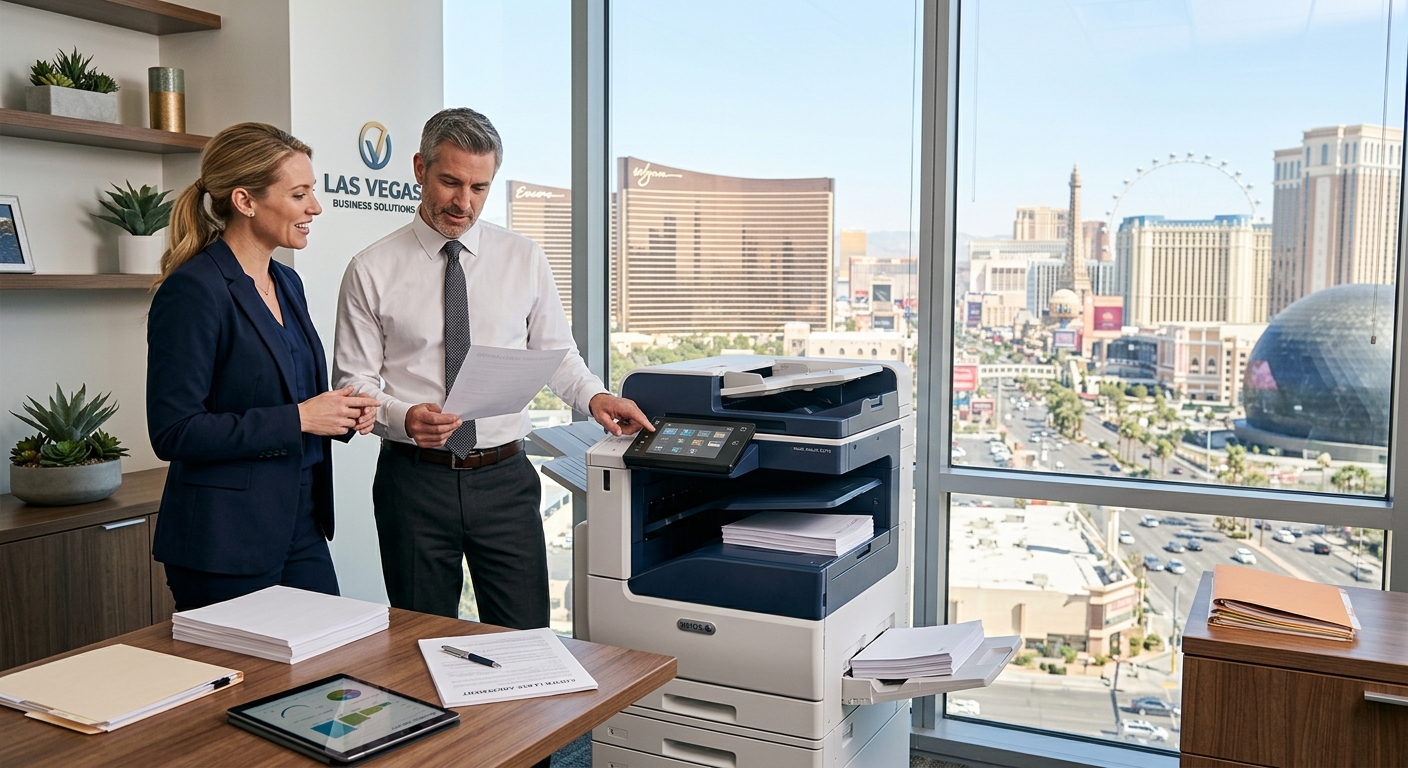
When a Las Vegas business needs a new multifunction printer, choosing a copier lease can be a practical way to get commercial-grade equipment without paying the entire cost upfront. But the monthly payment is only one part of the decision. Businesses should also consider print volume, color requirements, scanning needs, service coverage, contract terms, and how the equipment will fit into everyday workflows.
Whether you operate an accounting office near Downtown Las Vegas, a medical practice in Summerlin, a real estate company in Henderson, or a growing business in North Las Vegas, the right copier should match the way your team actually works.
Start With Your Monthly Print Volume
One of the first questions to ask is how much your office prints and copies each month.
A small office may only produce a few thousand pages monthly, while a busy legal office, property management company, school, construction company, or hospitality operation may produce considerably more.
Look at your current toner usage, meter readings, print invoices, and supply orders. If you already have a copier, your current meter reading can provide a useful starting point.
Avoid choosing equipment simply because it has an impressive maximum duty cycle. A machine designed for very high volumes may be unnecessary for a small office, while an entry-level device may become frustrating for a business that prints thousands of pages every week.
Decide Whether You Need Color
Color printing can be valuable for proposals, marketing materials, presentations, maps, reports, and customer-facing documents.
However, not every document needs color.
A Las Vegas accounting firm, for example, may print mostly black-and-white invoices and financial documents but occasionally need color presentations. A marketing agency may have an entirely different requirement.
When considering a copier lease, think about your actual color-to-black-and-white ratio rather than automatically choosing the most expensive color machine.
Consider Scanning and Digital Workflows
Modern copiers are much more than copy machines.
Today’s multifunction devices can print, copy, scan, fax, connect to computers and mobile devices, and integrate with cloud-based workflows.
Kyocera’s cloud print and scan solutions, for example, support cloud-based printing and scanning, cost management, and security features.
That matters for Las Vegas businesses that are trying to reduce paper handling.
Instead of printing every document, employees may be able to scan contracts, invoices, applications, receipts, or other paperwork directly into digital storage.
Compare the Entire Lease
Don’t compare copier leases based only on the advertised monthly payment.
Ask about:
- Lease length
- Monthly base payment
- Included service
- Cost per page
- Black-and-white copy charges
- Color copy charges
- Overage charges
- Toner
- Replacement parts
- Preventive maintenance
- Equipment upgrades
- End-of-term options
- Early termination provisions
A lower monthly payment does not necessarily mean a lower total cost.
Your goal should be to understand the entire agreement before signing.
Think About Service in Las Vegas
A copier that sits unused because it needs service can become an expensive office problem.
Before selecting a copier lease, ask how service calls are handled and what geographic area the provider covers.
A business in Summerlin may have different service considerations than a company near the Las Vegas Strip or in Henderson. Businesses should understand whether technicians provide on-site support and how maintenance requests are handled.
Compare Brands Based on Your Needs
There is no universal copier brand that fits every business.
Kyocera copiers are often considered for offices focused on efficient document production and workflow integration. Xerox copiers offer extensive workflow and print-management capabilities, while Sharp copiers provide multifunction systems with a strong emphasis on security and document workflow.
Sharp, for example, highlights features such as user authentication, encryption, network security, firmware protection, and other safeguards in its multifunction printers.
The important question isn’t simply, “Which brand is best?”
Instead ask, “Which equipment and service package fits our office?”
Don’t Forget Future Growth
Your business may look very different two or three years from now.
If you are hiring employees, adding locations, increasing customer volume, or moving toward more digital workflows, your copier requirements may change.
A copier lease should be evaluated with your expected growth in mind.
Choosing equipment that is slightly flexible can prevent you from outgrowing the machine too quickly.
Make the Decision Based on the Whole Picture
A copier lease can give a Las Vegas business access to modern office equipment while spreading payments over time. But the best agreement is the one that makes sense for your volume, workflow, budget, service expectations, and future needs.
Before signing, compare the equipment, service, contract terms, usage charges, and expected total cost.
A few extra questions before signing can save your business from an inconvenient equipment decision later.