
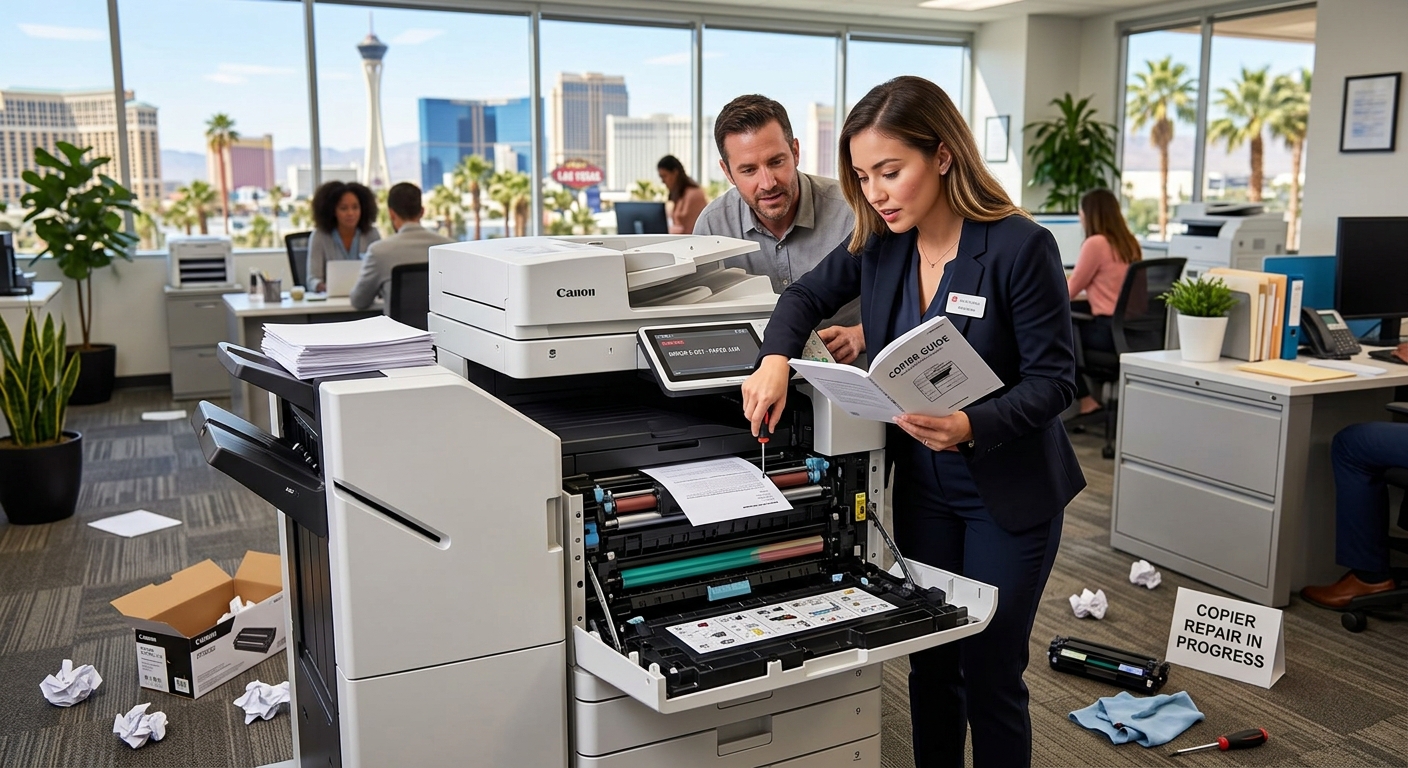
A copier rental or leased multifunction printer can become an essential part of a Las Vegas office, especially when employees depend on it for printing, scanning, copying, and document distribution. When something goes wrong, however, it is tempting to immediately call for service. Fortunately, some common copier problems can be resolved with a few simple checks.
Here are seven issues Las Vegas businesses should know how to troubleshoot before requesting a technician.
1. The Copier Says There Is a Paper Jam
Paper jams are among the most common copier problems.
If your machine reports a jam, don’t immediately pull on the paper with force.
Open the indicated access panels and carefully remove the paper according to the instructions displayed on the copier.
Check for small scraps of paper that may have torn away inside the machine. Even a small piece can trigger another jam.
Also check whether the paper tray is overloaded or whether the paper is curled, damp, or damaged.
Las Vegas offices should pay particular attention to paper storage during periods of high heat. Paper should be stored in a clean, dry environment away from excessive temperature changes.
2. Copies Have Lines or Streaks
Vertical lines on copies or scans can make professional documents look unpolished.
First, determine whether the problem appears when copying, scanning, or printing.
If the line only appears when using the scanner, the scanner glass or document feeder glass may need cleaning.
Use the cleaning method recommended by the manufacturer rather than spraying cleaning solution directly onto the machine.
If lines continue appearing on printed pages, the issue could involve the imaging system, drum, developer, or another internal component.
At that point, professional service may be appropriate.
3. Prints Are Too Light
Light printing can have several causes.
Check the toner level first. If toner is low, replacing the cartridge may solve the problem.
If toner is not the issue, check the print settings. Some machines have economy or toner-saving modes that intentionally reduce toner usage.
If the problem continues, the machine may require maintenance.
Don’t repeatedly replace toner cartridges without investigating the underlying problem.
4. The Copier Won’t Connect to the Network
Network problems can be especially frustrating because the copier itself may appear to be functioning normally.
Start by checking whether the network cable is connected securely.
If the copier uses Wi-Fi, verify that the device is connected to the correct network.
Try restarting the copier and, if appropriate, the network connection.
If multiple employees suddenly cannot print, determine whether the problem affects the entire office or only one computer.
If only one workstation is affected, the issue may be related to that computer or its printer driver rather than the copier itself.
5. Scanning to Email Doesn’t Work
Scanning problems may involve the copier, network, email configuration, or security settings.
Check whether the copier can connect to the network.
If scanning to email suddenly stopped working after a password or security change, the device’s email configuration may need to be updated.
Modern multifunction printers can also support cloud scanning workflows. Kyocera, for example, provides cloud-based print and scan capabilities that can route documents to cloud storage services.
6. The Copier Is Printing Slowly
Slow output doesn’t always mean the copier is broken.
Check the selected print quality, paper size, finishing options, and document complexity.
Large color documents and high-resolution graphics may take longer to process than simple black-and-white text.
If a normally fast machine suddenly becomes slow, check whether the issue is occurring with one computer or across the network.
7. The Problem Keeps Coming Back
This is the most important warning sign.
If your office repeatedly experiences jams, streaks, error codes, network problems, or inconsistent print quality, restarting the machine every time may not be a long-term solution.
Repeated problems can indicate that the copier needs preventive maintenance or that the equipment no longer matches the workload.
For a business that relies heavily on printing, consistent recurring problems may also be a reason to evaluate whether repairing the current machine or replacing it makes more financial sense.
When Should You Call a Technician?
Call for professional service when:
- The same error repeatedly returns
- Paper jams occur frequently
- Print quality continues deteriorating
- The machine makes unusual noises
- Internal components appear damaged
- Network configuration requires technical changes
- The copier displays an error code you cannot resolve
- The equipment requires internal cleaning or parts replacement
For Las Vegas businesses, minimizing copier downtime can be especially important when employees depend on printed contracts, invoices, customer documents, presentations, and other paperwork.
Simple troubleshooting can solve minor issues. Recurring problems, however, deserve a closer look so that a small copier problem doesn’t become a larger productivity problem.