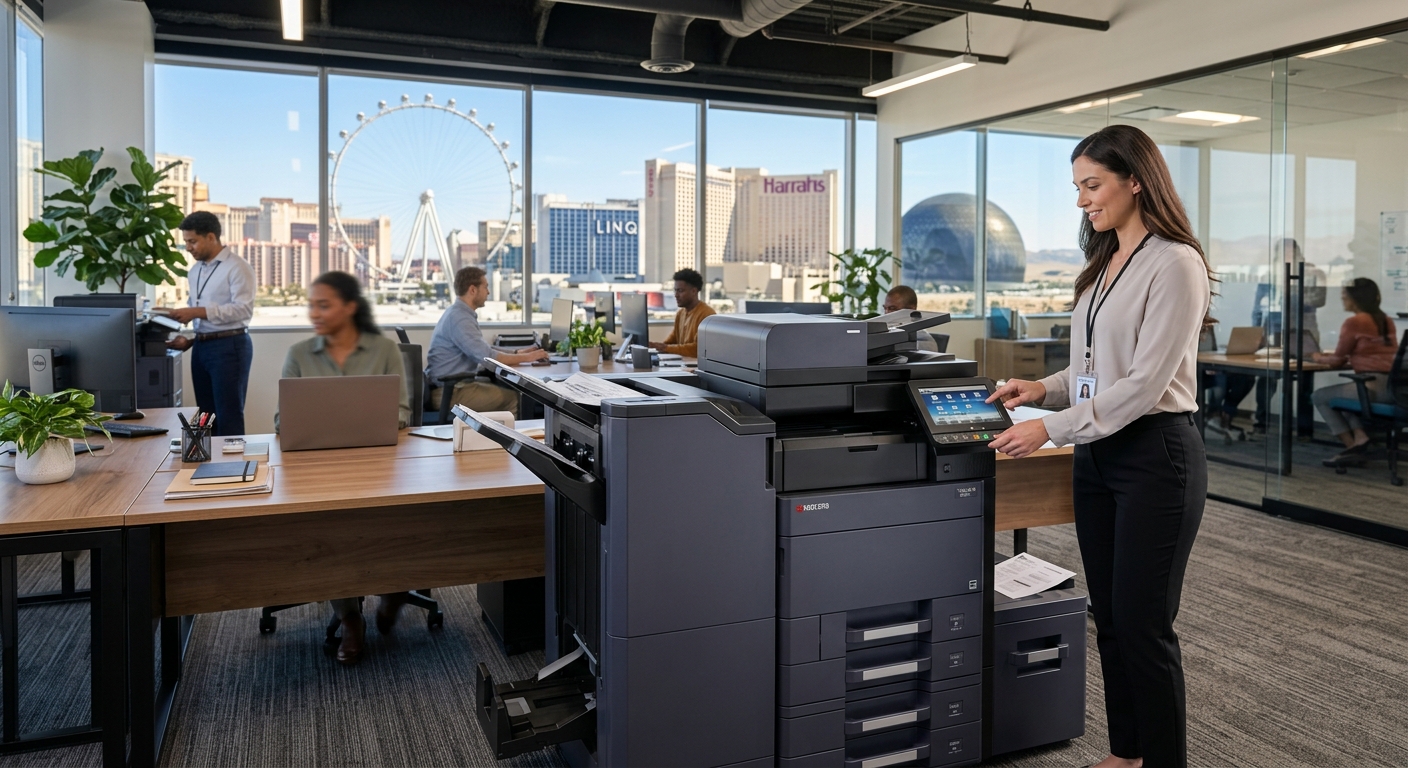
For businesses comparing office equipment, kyocera copiers are worth considering when the goal is to combine printing, copying, scanning, and document workflow into one office system. For Las Vegas companies, the right multifunction printer can serve as more than a machine sitting in the copy room—it can become part of the way employees manage documents every day.
What Makes a Modern Copier Different?
The traditional idea of a copier was simple: put paper on the glass and make a copy.
Modern multifunction printers do considerably more.
Depending on the model and configuration, a business copier may print, copy, scan, fax, store documents, connect to cloud platforms, authenticate users, and integrate with business applications.
Kyocera’s current documentation, for example, includes functions such as scan-to-cloud capabilities and browser-based device management.
That makes the copier an important part of an office’s document workflow.
Think About Your Business First
Before choosing a Kyocera copier, determine what your Las Vegas business actually needs.
Ask:
- How many pages do we print each month?
- Do we need color?
- How many employees use the machine?
- Do we scan frequently?
- Do we need automatic document feeding?
- Do we print different paper sizes?
- Do we need finishing options?
- Do employees print from mobile devices?
- Do we use cloud storage?
- Do we need user authentication?
- How important is local service?
A copier should be selected based on those answers rather than simply choosing the largest machine available.
Kyocera for Growing Offices
A growing Las Vegas company may start with a relatively modest print requirement and gradually increase its volume.
This is one reason businesses should consider scalability when evaluating equipment.
A properly configured multifunction printer can allow employees to print, scan, copy, and distribute documents without relying on several separate devices.
That can simplify the office environment.
Cloud Printing and Scanning
Cloud connectivity has become increasingly important for modern businesses.
Kyocera Cloud Print and Scan supports cloud-based print and scan management, integration with cloud storage, and print-cost management.
For a Las Vegas company with employees working between offices, from home, or across multiple locations, cloud-enabled workflows can make document access more flexible.
Security Matters Too
Copiers are connected devices, which means businesses should think about security when selecting equipment.
Kyocera has continued investing in information security, including its information-security management and cloud-security certifications.
Businesses should still work with their IT teams or copier providers to configure devices appropriately.
Security isn’t simply a feature you purchase and forget about. User permissions, network configuration, firmware, passwords, access controls, and document handling policies can all matter.
Kyocera vs. Other Copier Brands
Las Vegas businesses may also compare Kyocera with Xerox, Sharp, Canon, Ricoh, and other manufacturers.
The right comparison should include more than brand reputation.
Compare:
Equipment: Does the machine have the speed, capacity, and features your office needs?
Workflow: Can employees scan and distribute documents efficiently?
Security: Does the device provide appropriate access and data protection features?
Service: Who will maintain the equipment?
Cost: What will the total cost be over the expected life of the agreement?
Usability: Can employees learn to operate the system without constant assistance?
Lease or Purchase?
Kyocera copiers can be acquired through different purchasing arrangements depending on the provider and business requirements.
Leasing can spread equipment costs over time, while purchasing may make sense for organizations that prefer ownership.
The right structure depends on your budget, accounting preferences, expected equipment life, and long-term plans.
A Copier Should Support the Workflow
For Las Vegas businesses, the most useful copier isn’t necessarily the machine with the highest speed or the biggest touchscreen.
It is the machine that fits the workflow.
A small professional office may need reliable scanning and straightforward printing. A larger organization may need high-volume production, user authentication, cloud integration, finishing, and detailed usage management.
Kyocera offers equipment and software designed around these types of multifunction workflows.
The key is to start with your business requirements and then find the equipment configuration that matches them.