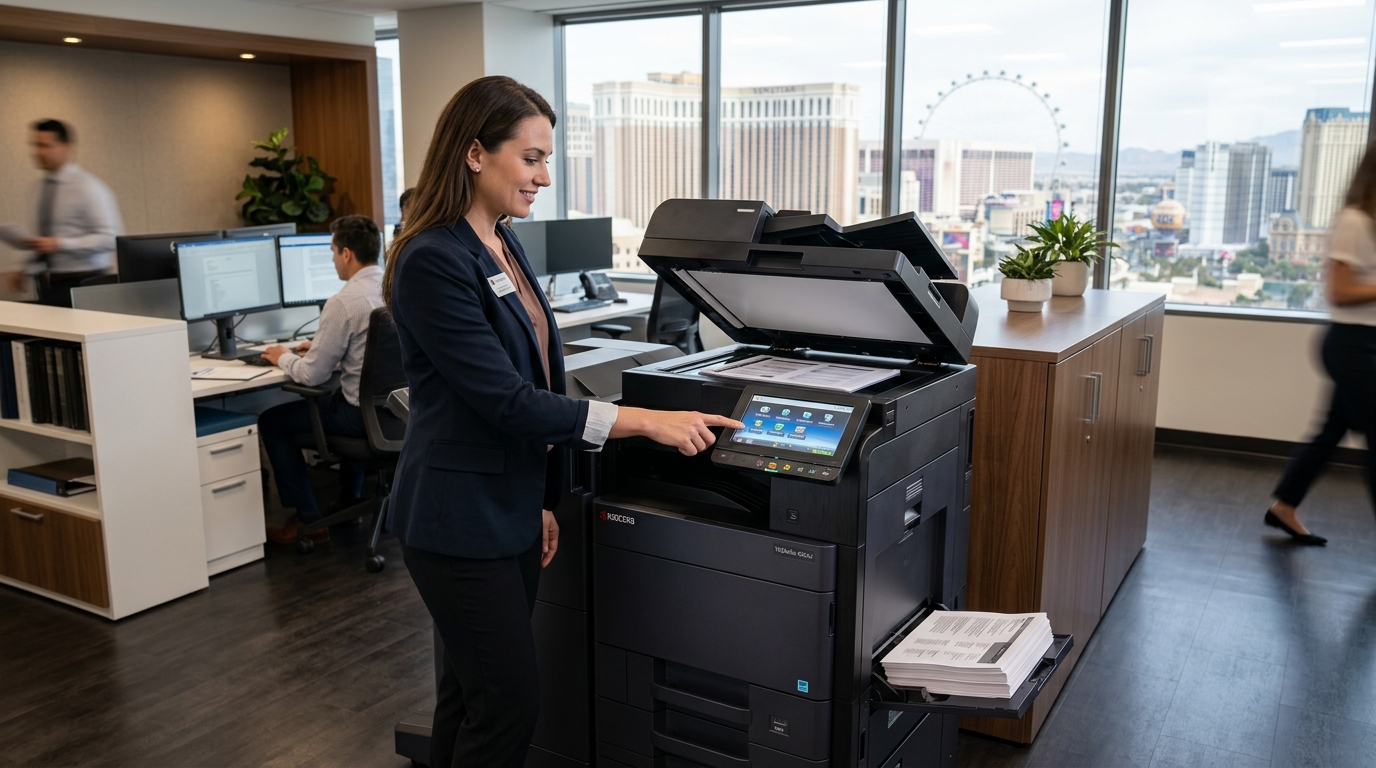
When a copier lease approaches its expiration date, renewing the existing agreement may seem like the easiest choice. Your employees already know the machine, the equipment is installed, and the office can continue working without a major transition. However, renewing automatically may mean missing an opportunity to reduce costs, improve productivity, or choose equipment that better fits your current needs.
For businesses evaluating a copier lease in Las Vegas, the end of an agreement is a useful time to review equipment performance, service quality, contract terms, and future printing requirements.
Your company may be able to renew, negotiate different terms, replace the copier, or consider another arrangement. The options available depend on your existing contract and the provider’s offerings. Here is what to review before making your decision.
1. Confirm Your Lease Expiration Date
Start by locating the signed lease agreement and confirming the actual expiration date. Do not rely only on a payment schedule or a verbal estimate.
Look for provisions related to renewal, automatic extension, required notice, and equipment return. Some agreements may require written notice within a specified period if you do not want to renew. Missing that deadline could affect your options.
Create a timeline that gives your business enough time to evaluate alternatives, obtain quotes, and arrange equipment changes if needed.
If the agreement is unclear, ask the leasing company to explain the relevant terms in writing. Consider obtaining professional advice if the contract contains significant financial obligations or provisions you do not understand.
2. Evaluate Your Copier’s Current Performance
Before renewing, assess whether the existing copier still meets your operational needs.
Consider the following questions:
- Does the machine handle your current print volume?
- Are employees experiencing frequent paper jams or error messages?
- Have repair visits become more frequent?
- Is the printing speed sufficient for busy periods?
- Does the copier support the scanning functions your team needs?
- Can it connect reliably to your current network?
- Are replacement supplies and technical support readily available?
Review service records and ask employees about recurring problems. A machine that performs adequately for a small office may no longer suit a growing team.
If the copier remains reliable and appropriate for your workload, renewal may be reasonable. If it frequently disrupts work or lacks essential features, compare the cost of keeping it with the cost of replacement equipment.
3. Review Your Actual Printing Volume
Your company’s printing habits may have changed since the lease began. Perhaps the business has hired more employees, shifted toward digital document workflows, or increased the amount of customer paperwork it handles.
Check the copier’s usage reports where available. Estimate monthly black-and-white and color pages, scanning volume, and the number of people using the machine.
This information can help you determine whether you are paying for unnecessary capacity or operating equipment that is too small for the workload.
It may also reveal opportunities to reduce costs. For example, employees might be able to use duplex printing for suitable documents, adjust default print settings, or route occasional large jobs to a different device.
Use actual usage information when requesting renewal or replacement quotes rather than relying on outdated estimates.
4. Compare the Current Cost With New Proposals
The monthly payment is only one part of your copier expense. A lease may involve separate charges for service, toner, paper usage, repairs, or other items.
Before renewing, calculate the total cost of continuing the current arrangement. Then request a comparable proposal for alternative equipment or terms.
Include:
- Scheduled equipment payments
- Service and maintenance costs
- Toner and other supplies
- Black-and-white and color page charges
- Repair costs not covered by the agreement
- Delivery and installation for replacement equipment
- Applicable upgrade, return, or termination fees
Make sure you compare similar periods and estimated print volumes. A new machine with a higher monthly payment might include more service or better capacity, while a lower payment may come with separate costs.
Ask for an itemized proposal and clarify any charges that could change with usage.
5. Check What the Service Agreement Covers
A copier lease and a copier service agreement may be separate contracts. If your business depends on the copier every day, understanding the service arrangement is essential.
Review whether the current plan covers:
- Routine maintenance
- Labor and replacement parts
- Toner and other specified supplies
- Troubleshooting and technical assistance
- Service-call response times
- Repairs caused by ordinary use
- Exclusions or additional charges
Ask how service requests are submitted and whether support is available during your operating hours.
If the existing service has been unreliable, discuss the problem with the provider before renewing. Ask what improvements are available and whether any service commitments can be documented.
Do not assume that a new lease will automatically resolve service issues unless the proposed arrangement explains how those issues will be addressed.
6. Consider Whether Your Office Needs New Features
Your business may need capabilities that were not important when the original copier was selected.
Modern multifunction devices may offer scanning workflows, additional paper handling, secure print release, and other features that help offices manage documents more efficiently.
Consider whether your employees would benefit from:
- Automatic document feeding for multipage scans
- Duplex printing
- Scan-to-email or scan-to-folder
- Faster printing for large jobs
- Additional paper trays
- Stapling or finishing features
- User authentication
- Improved network compatibility
Focus on the tasks your team performs regularly. Paying for advanced features is worthwhile only when they solve a real business problem or support a requirement.
If the current machine still performs well, you may not need to replace it simply because a newer model is available.
7. Understand Your Renewal and End-of-Term Options
Before making a decision, confirm what the agreement allows when the term ends.
Depending on the contract, the options may include renewing the lease, returning the equipment, purchasing it under specified terms, or arranging replacement equipment. Not every agreement provides every option.
Ask these questions:
- Does the lease renew automatically?
- How much notice is required to prevent renewal?
- What is the process for returning the machine?
- Who arranges pickup and transportation?
- Are there fees for return, damage, or missing accessories?
- Can the equipment be replaced before the agreement ends?
- Are there purchase or renewal options?
- What happens to stored data on the copier’s internal storage?
Get the answers in writing and retain the relevant documents. If you plan to return the copier, coordinate the timing so your office is not left without essential printing capability.
8. Review Security and Data Handling
Copiers can handle sensitive information, including contracts, invoices, employee records, and customer documents. If the machine includes internal storage, saved jobs, address books, or scanning configurations, these details should be considered when renewing or replacing equipment.
Ask whether the current model supports the security settings required by your business. These may include user authentication, secure print release, access controls, and appropriate network configuration.
If you replace or return the device, ask the provider how stored data will be handled and whether a documented data-clearing process is available. Coordinate the process with your IT team, especially if the copier is used for confidential or regulated information.
9. Compare Renewal, Replacement, Rental, and Purchase
Renewal is only one option. Compare it with the alternatives that make sense for your business.
Renew the existing lease: May be suitable if the copier performs reliably, the costs are reasonable, and the agreement still fits your needs.
Lease replacement equipment: May be worth considering if the current machine is outdated or your business requires additional features or capacity.
Rent a copier: May be appropriate if your equipment needs are temporary or you need a short-term replacement. Check the minimum term and total cost.
Purchase a copier: May suit businesses that prefer ownership and expect to use the machine for an extended period. Include maintenance and future replacement costs in the comparison.
Evaluate each option over a similar period and usage level. The best choice is the one that balances cost, reliability, features, and contractual flexibility.
A Copier Lease Renewal Checklist
Before deciding, make sure you have:
- Confirmed the expiration date and notice requirements
- Reviewed renewal and automatic extension clauses
- Checked the copier’s service history
- Estimated your current print volume
- Calculated the total cost of continuing the agreement
- Reviewed maintenance and supply coverage
- Identified any missing equipment features
- Compared alternative proposals
- Confirmed equipment return and data-handling procedures
- Documented the final agreement and important deadlines
Make an Informed Copier Lease Decision in Las Vegas
Renewing a copier lease should be a deliberate business decision, not simply an automatic administrative task. By reviewing usage, service quality, total cost, equipment features, and contract terms, you can determine whether your current arrangement remains the right fit.
Tangerine Office Machines can be a resource for Las Vegas businesses reviewing their office printing requirements. If your lease is approaching its end, prepare your current equipment details and expected workload before exploring available options.
Give yourself enough time to compare proposals and understand the agreement. A careful review can help your business avoid unwanted renewals, plan equipment changes, and choose a copier arrangement that supports the way your office works today.