The office copier is changing.
For Las Vegas businesses, xerox copiers and other modern multifunction printers are no longer simply devices for reproducing paper documents. Today’s office equipment increasingly connects printing and scanning with cloud services, security tools, mobile workflows, user authentication, and document management.
The result is an office copier that can play a much larger role in business operations.
From Copier to Connected Workflow
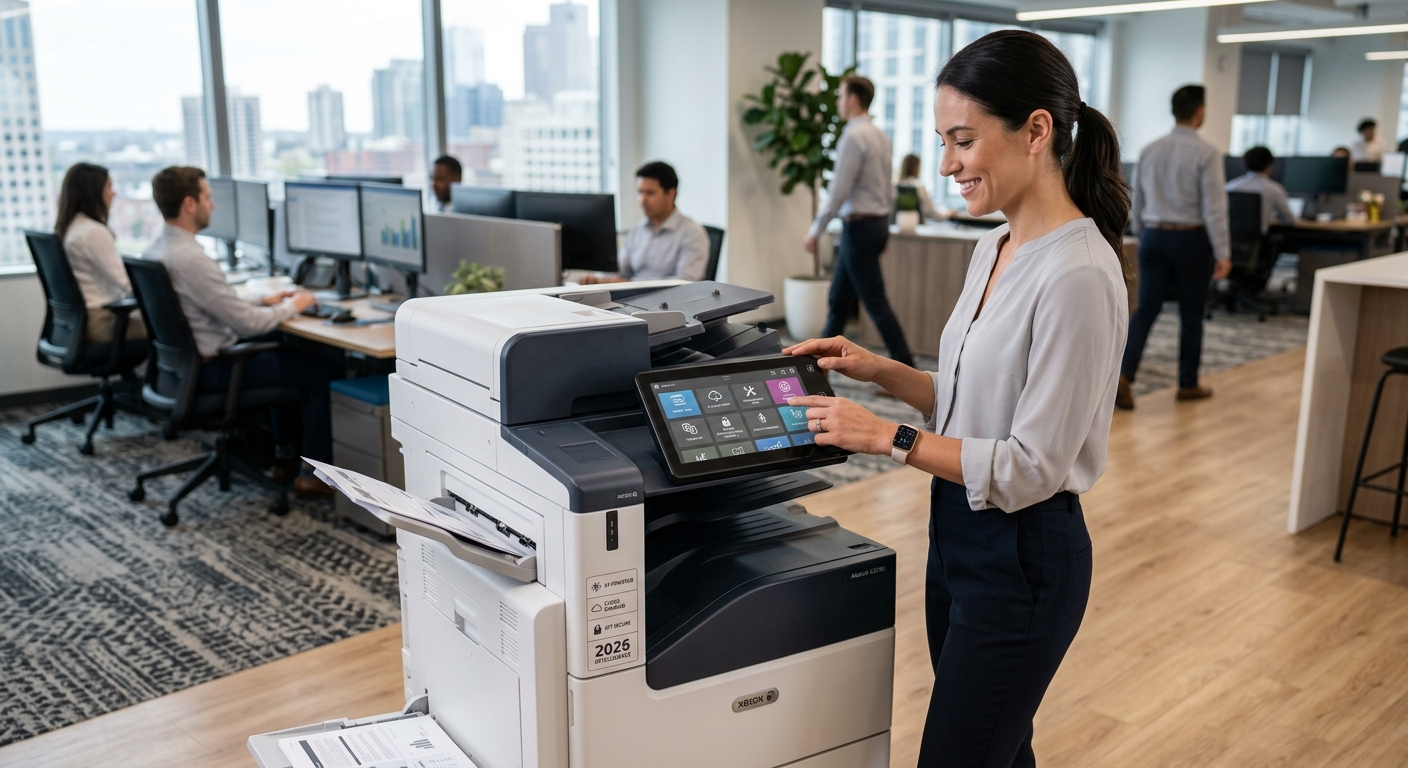
A modern multifunction printer can serve as a bridge between paper and digital information.
An employee might scan a signed document, convert it into a digital file, send it to cloud storage, and notify another employee—all without walking back to a desktop computer.
Xerox’s Workflow Central platform, for example, provides cloud-based document workflows that can handle tasks such as document conversion, translation, redaction, and routing to cloud repositories.
That reflects a broader shift in the industry.
Security Is Becoming a Bigger Part of the Conversation
Businesses used to think primarily about securing computers and servers.
Now printers and multifunction devices deserve attention too.
A network-connected copier can interact with email systems, cloud applications, employee credentials, and business documents.
Xerox continues to publish security information for its products and software, including recent 2026 security guides for various products and services.
For Las Vegas businesses handling customer records, financial information, legal documents, employee information, or other sensitive material, copier security should be part of the equipment discussion.
Cloud Workflows Are Changing Scanning
Scanning used to mean creating a file and emailing it to yourself.
That approach is increasingly being replaced by more connected workflows.
Employees can scan documents directly into cloud platforms or predefined destinations, reducing the number of manual steps involved.
This can be particularly useful for businesses that process large amounts of paperwork.
Mobile Printing Is Becoming More Important
Employees aren’t always sitting at a desktop computer.
They may be working from laptops, tablets, smartphones, conference rooms, or different office locations.
Modern print management solutions can support mobile printing and centralized access.
Xerox, for example, describes cloud and print-management solutions designed to support mobile productivity, security, authentication, and print-cost management.
What This Means for Las Vegas Businesses
Las Vegas has a diverse business environment that includes hospitality, professional services, real estate, construction, healthcare, retail, financial services, and many other industries.
Each business handles documents differently.
A property management company may need to scan leases and tenant documents. A construction company may print plans and project paperwork. An accounting office may process invoices and financial records. A hospitality company may manage forms, reports, schedules, and customer-facing documents.
A modern MFP can be configured around those different workflows.
Smarter Doesn’t Always Mean More Complicated
One misconception is that advanced copier technology automatically makes an office more complicated.
It can actually have the opposite effect when properly configured.
A touchscreen shortcut can reduce multiple steps to one button.
A predefined scan destination can eliminate repetitive file handling.
User authentication can help control who accesses certain functions.
Automated reporting can give administrators better visibility into printing activity.
The goal isn’t to add technology simply because it exists. The goal is to eliminate unnecessary steps.
Should Your Business Upgrade?
If your existing copier still handles your workload reliably, replacement may not be necessary simply because newer technology exists.
But businesses should consider an upgrade when an older machine:
- Frequently breaks down
- Lacks modern scanning capabilities
- Creates workflow bottlenecks
- Doesn’t integrate well with current systems
- Has outdated security capabilities
- Costs too much to maintain
- Cannot keep up with growing print volume
For some companies, a copier lease can provide a way to access newer equipment while spreading the cost over time.
The Copier Is Becoming Part of the IT Environment
The biggest change isn’t necessarily faster printing.
It is the fact that multifunction printers increasingly participate in the digital workflow.
For Las Vegas businesses evaluating new equipment in 2026, the conversation should go beyond pages per minute.
Ask how the copier handles scanning, cloud connectivity, security, authentication, mobile access, workflow automation, and management.
Those capabilities may have a bigger impact on everyday productivity than simply adding a few pages per minute to the machine’s rated speed.