
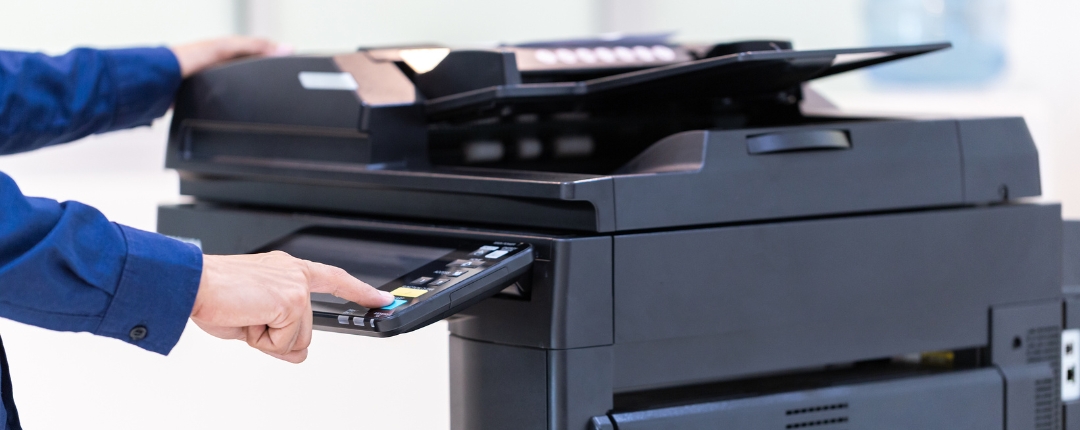
In an office setting, efficiency is key. Every aspect of workflow, from communication to document management, contributes to the overall productivity of the workspace. Your…
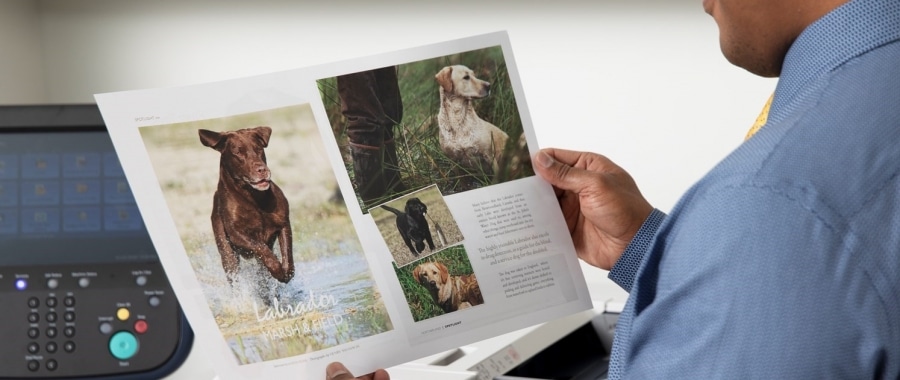
Removing Lines or Spots on Copies and Prints for Xerox Machines
Achieving pristine copies and prints is essential for professional documentation. However, issues such as streaks, lines, or spots can detract from the quality of output…
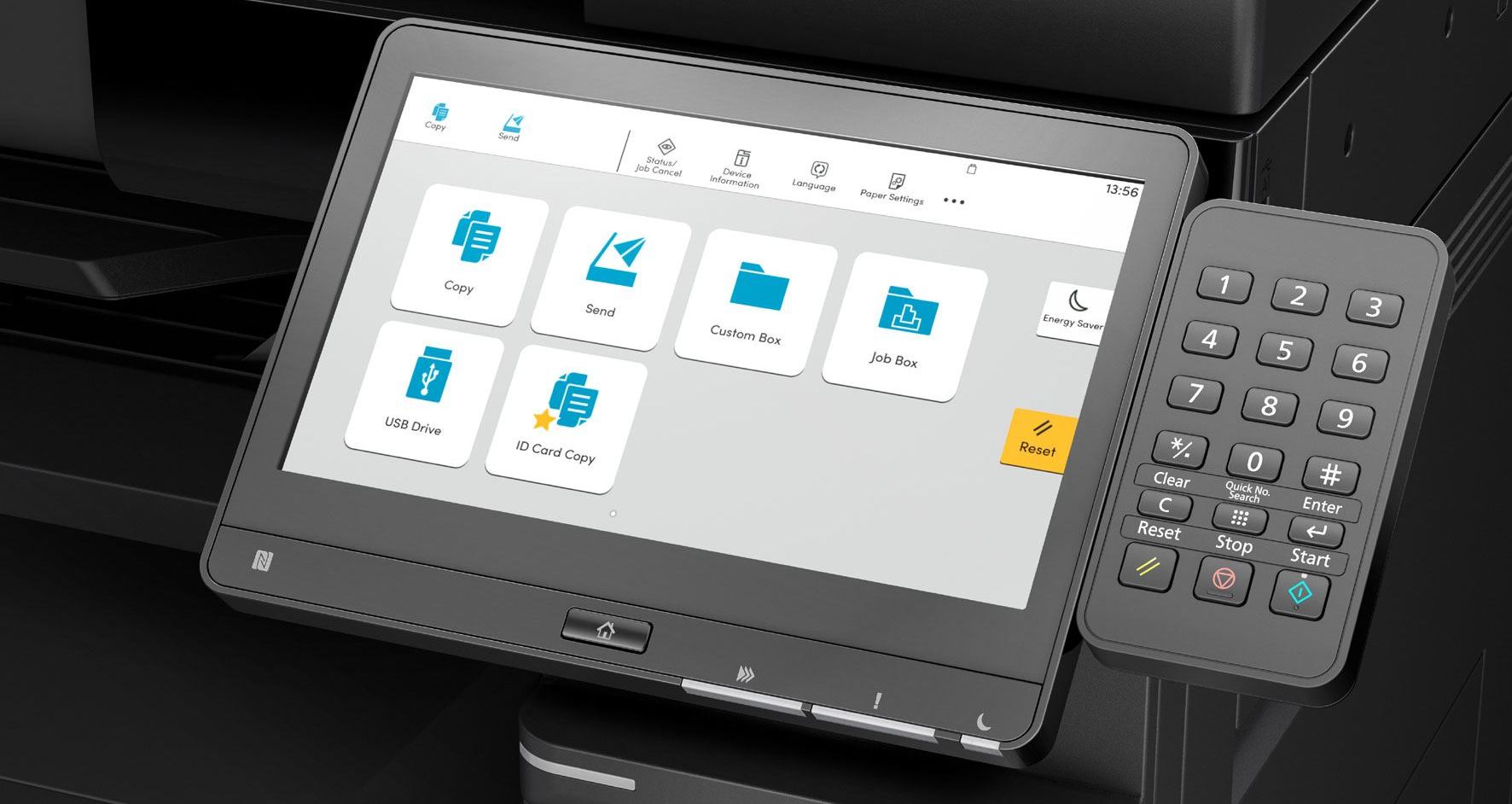
How to Find the IP Address of Your Kyocera Printer and MFP
The IP address is essentially the designation of the Kyocera printer/copier on the network. This set of numbers can be used to access the web…

How to Enable AirPrint on Your Kyocera TASKalfa MFP
With the rise of mobile technology in the office, MFP manufacturers have been doing an excellent job of keeping the devices up-to-date to be compatible…

Why Your Business Should Consider Renting a Copier
In today’s fast-paced business environment, having an efficient office equipment is crucial for smooth operations. One such essential device is a copier. While some businesses…
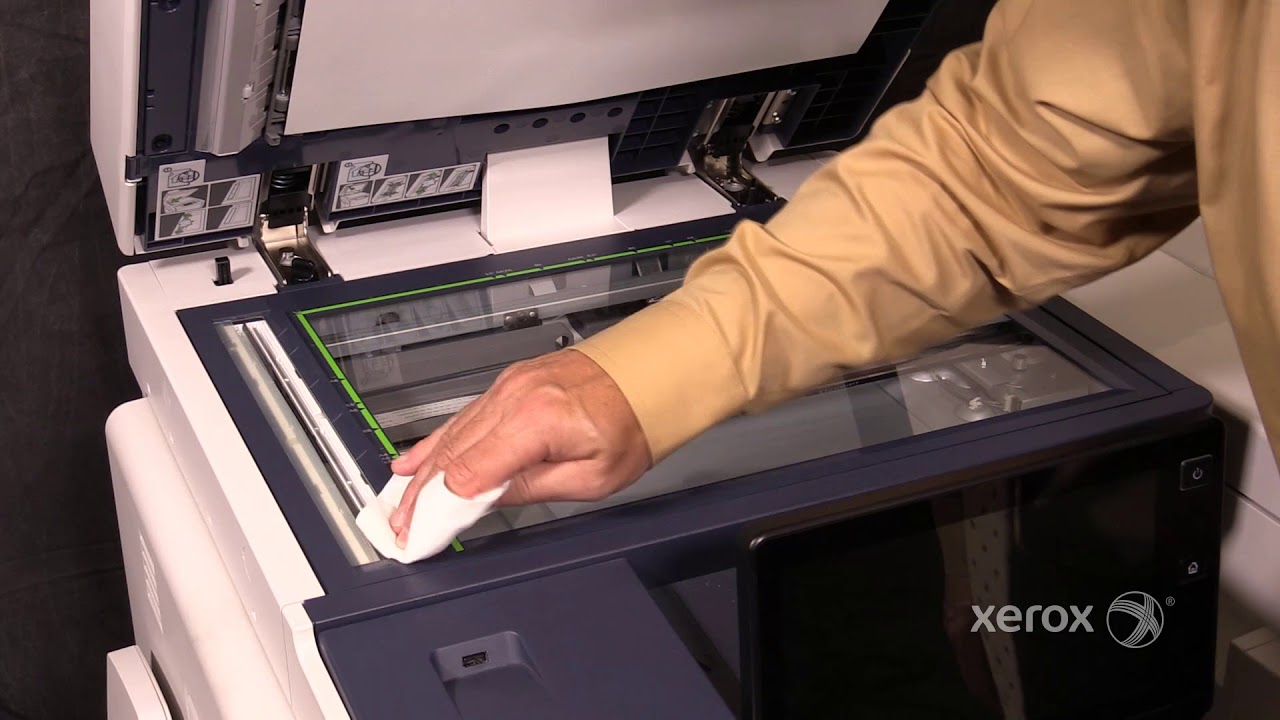
How to Clean Lines on Copies for Xerox Machines
Follow these tips to clean the lines, streaks, or spots on the copies or prints of your Xerox machines.